

Example 01
Replace any background without losing the subject
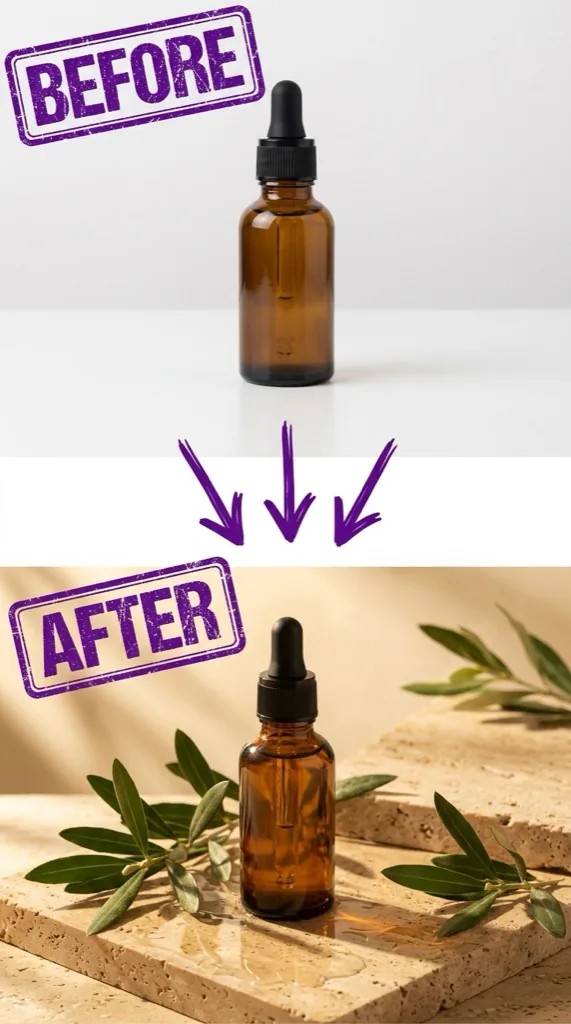
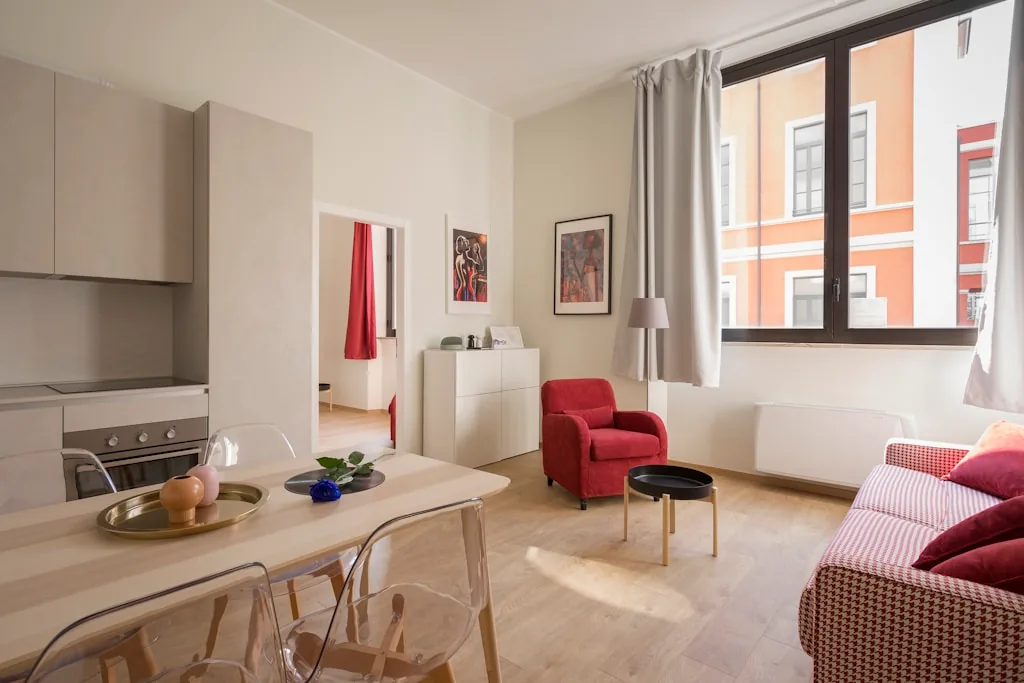
Move a portrait, product, or property into the setting you describe while keeping the subject, lighting, and important foreground detail intact.
Try Replace Background
No Sign-Up Required · One Watermark-Free Image
Upload an existing image and describe the edit. Our free AI image changer can replace backgrounds, remove objects, restore photos, and create one watermark-free result before you sign up.
One watermark-free image · No account or credit card required
Upload a reference image and choose a task prompt. Your first image does not require an account.
The guest trial includes 2 credits for one watermark-free GPT Image 2 result at 1K Standard. Create an account afterward to receive 10 welcome credits instantly.
Explore focused image edits that preserve the subject while changing the setting, details, or visual direction.
Move a portrait, product, or property into the setting you describe while keeping the subject, lighting, and important foreground detail intact.
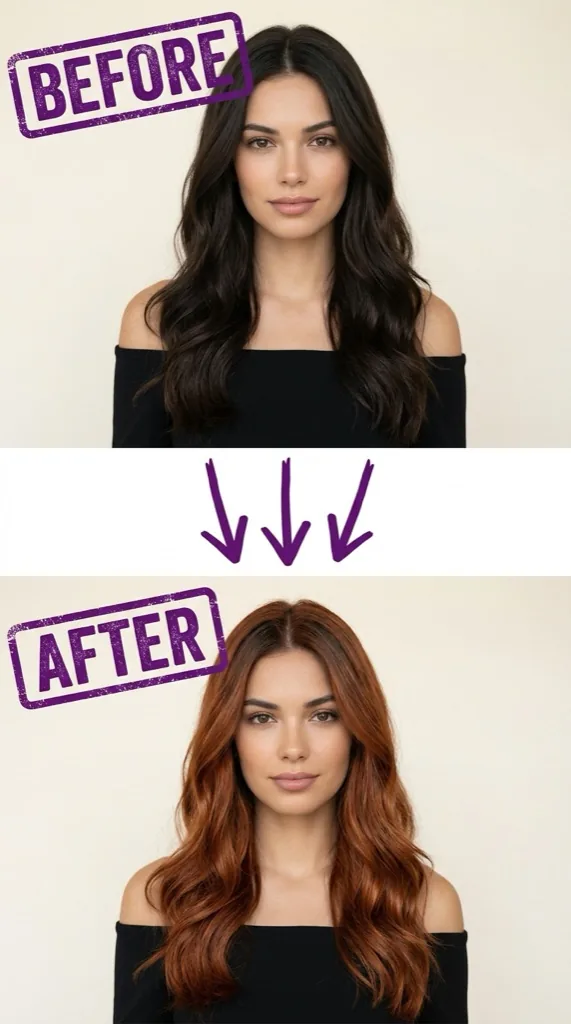
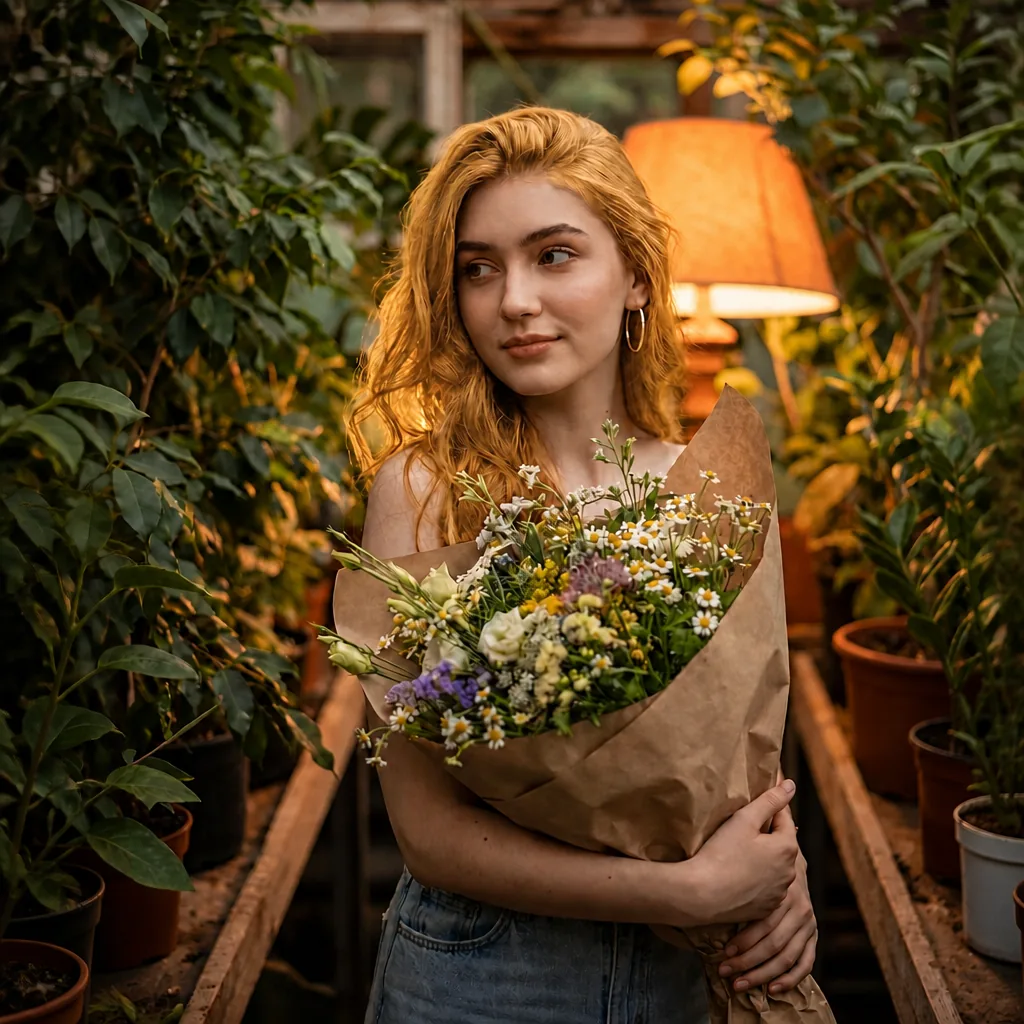
Try Replace BackgroundPreview a new color with realistic strands, natural lighting, and the original hairstyle, volume, identity, and expression preserved.
Try Change Hair Color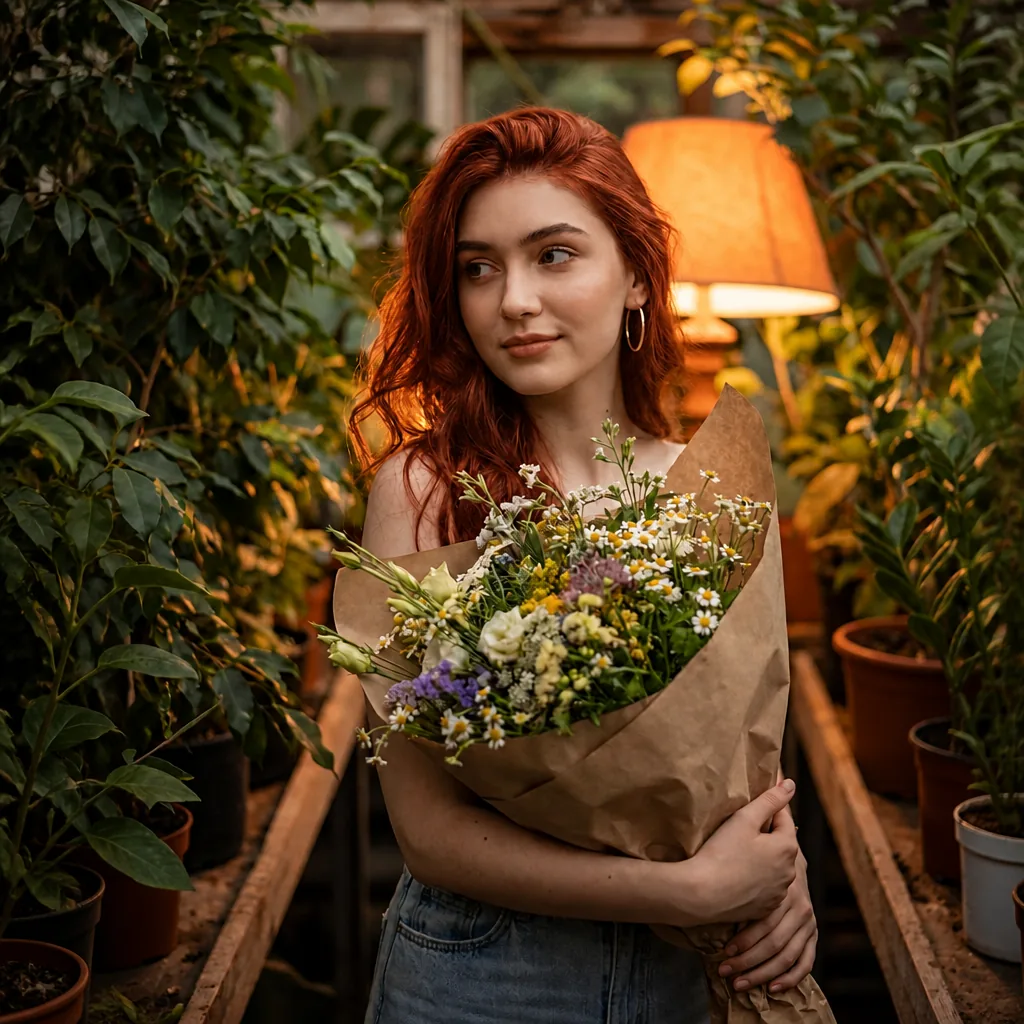
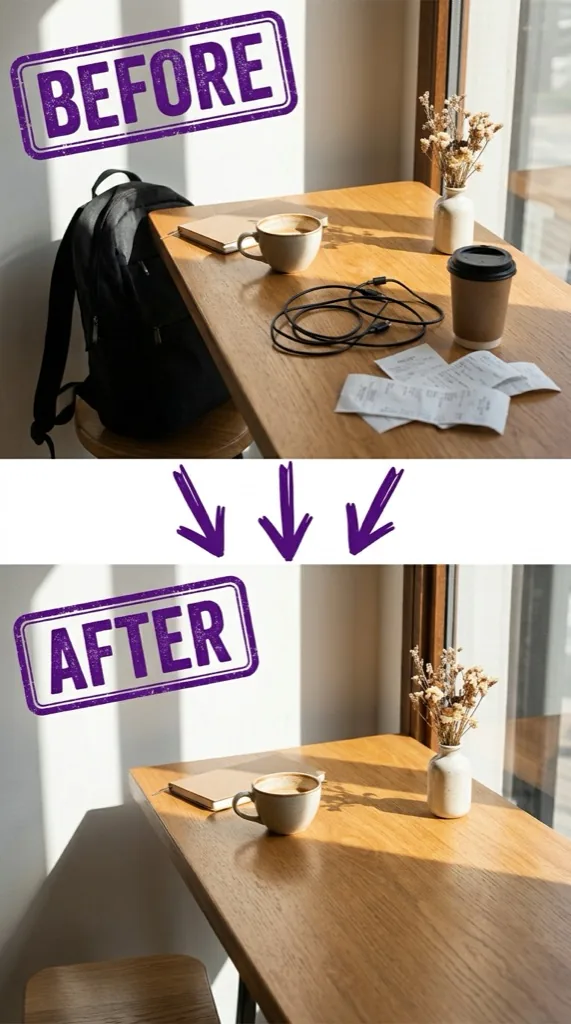
Describe the object, person, or clutter to remove. The tool reconstructs the surrounding scene for a clean, natural result.
Try Object Remover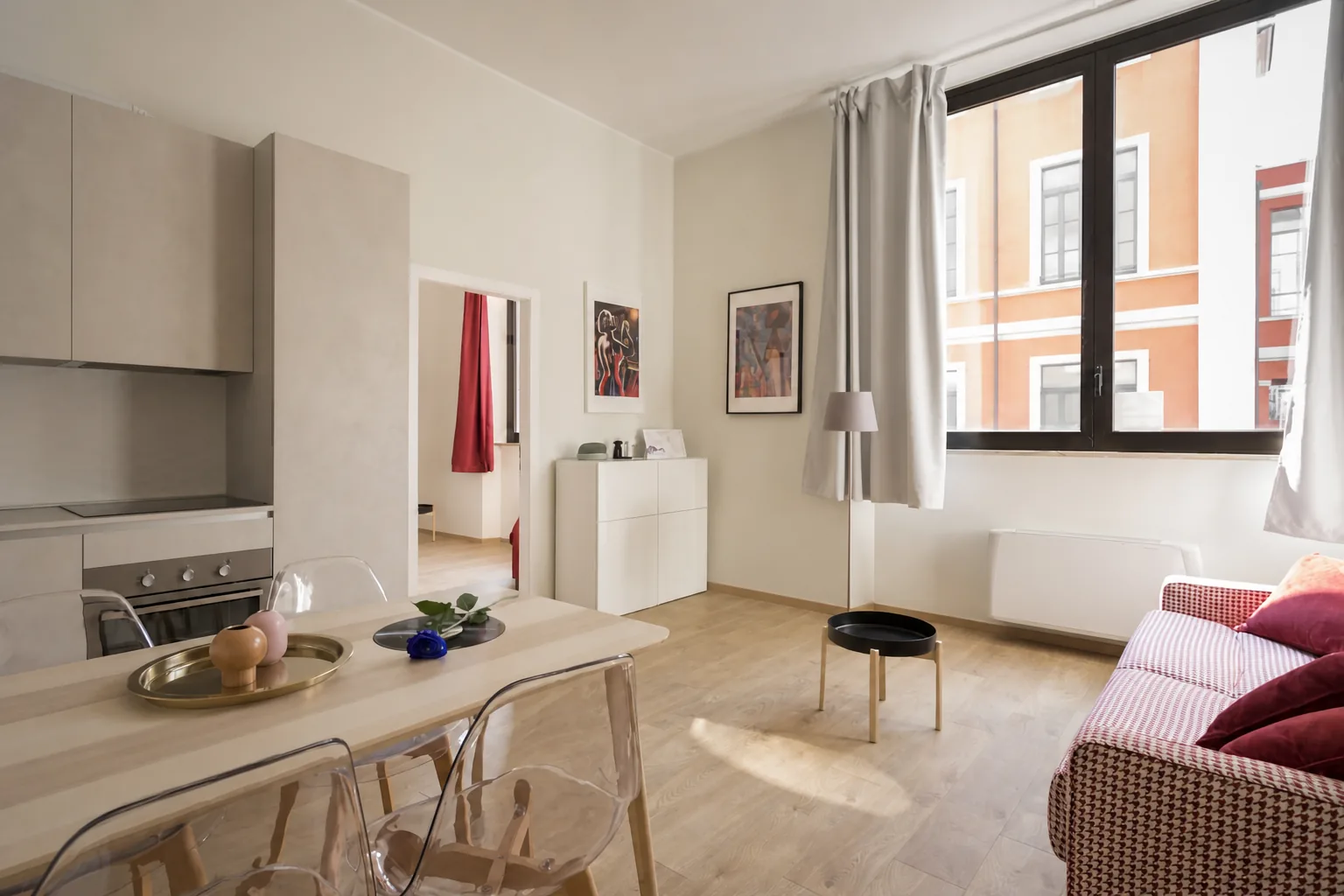
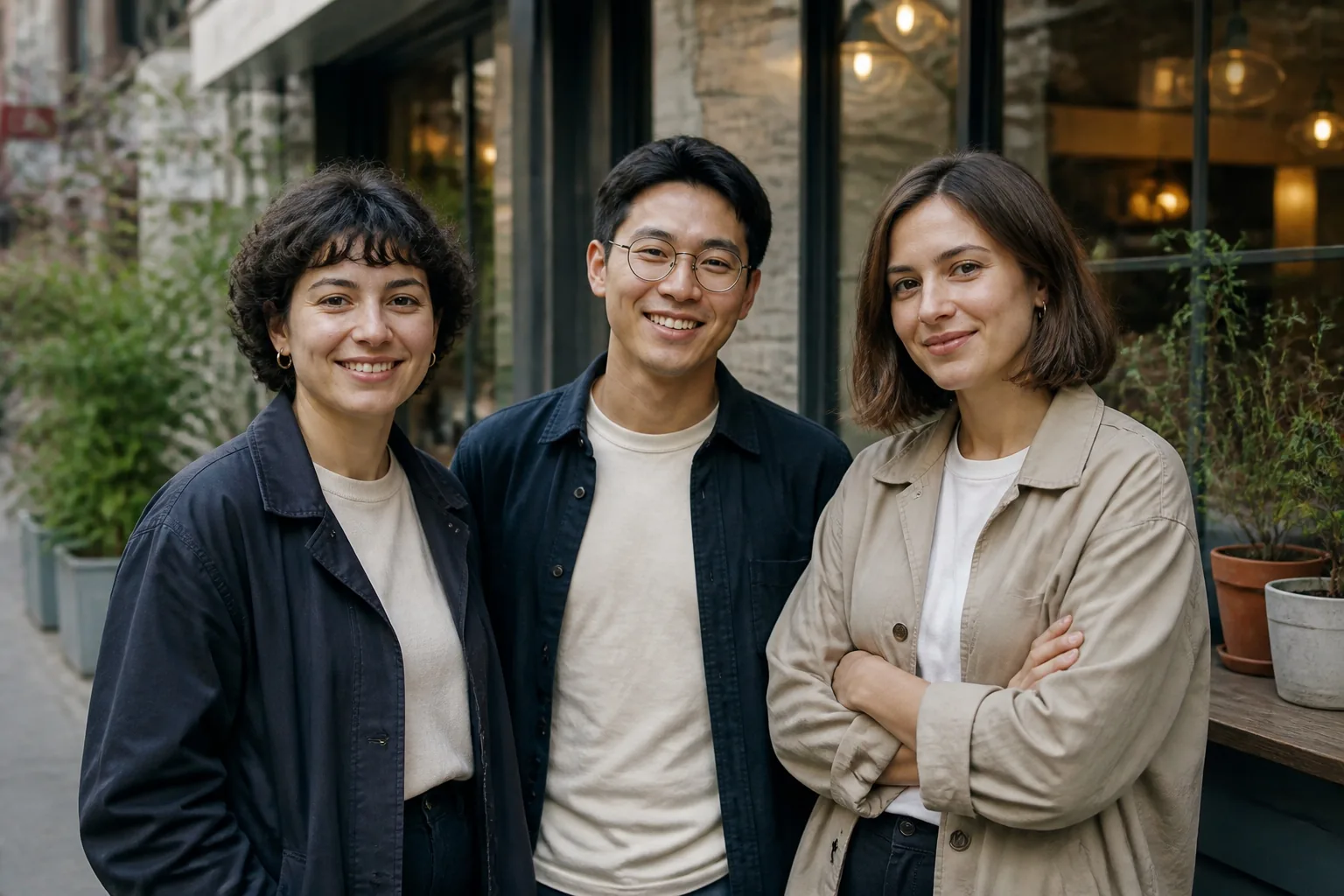
Apply a visual direction such as watercolor, paper collage, or editorial illustration while preserving the recognizable subject and composition.
Try Style Transfer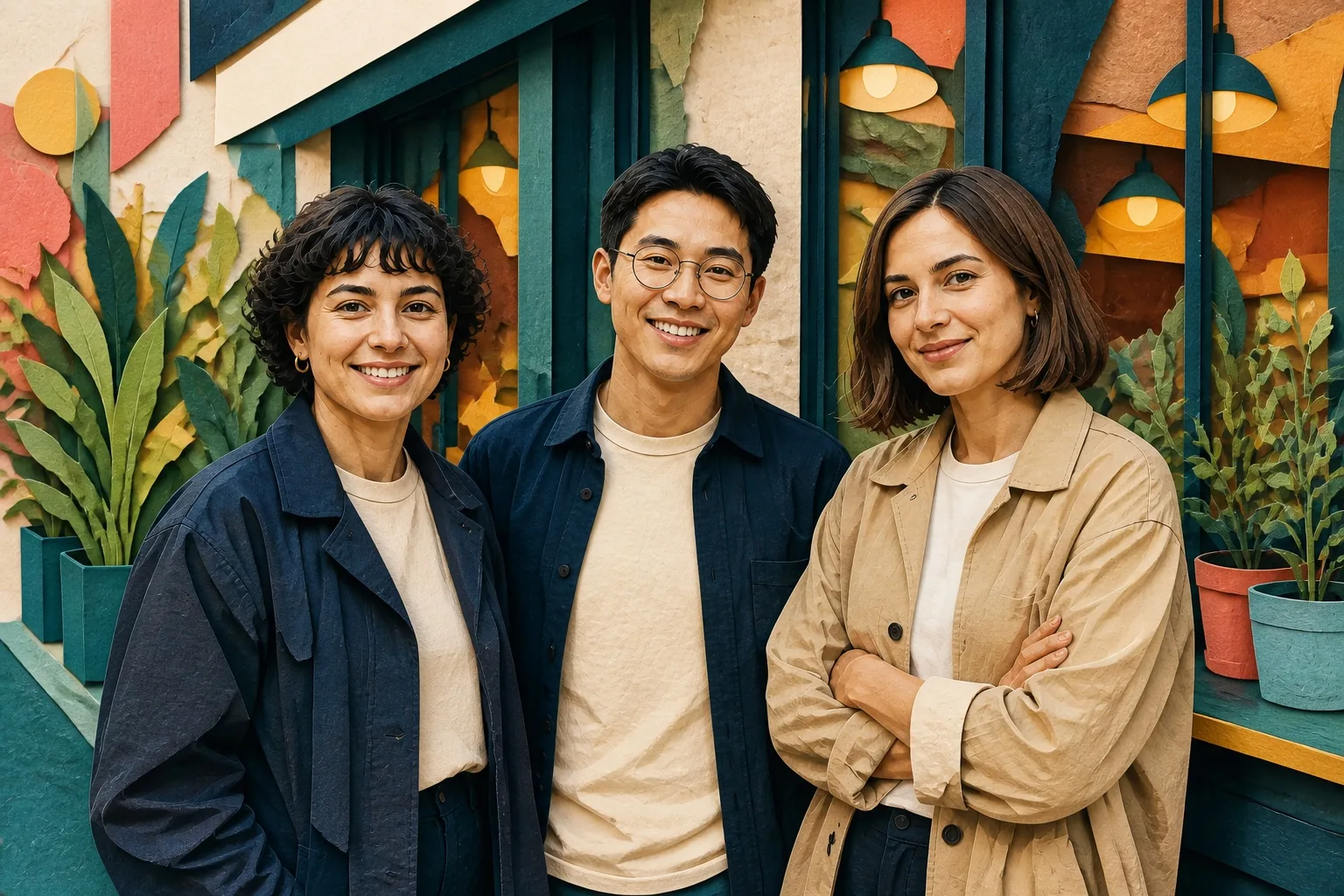
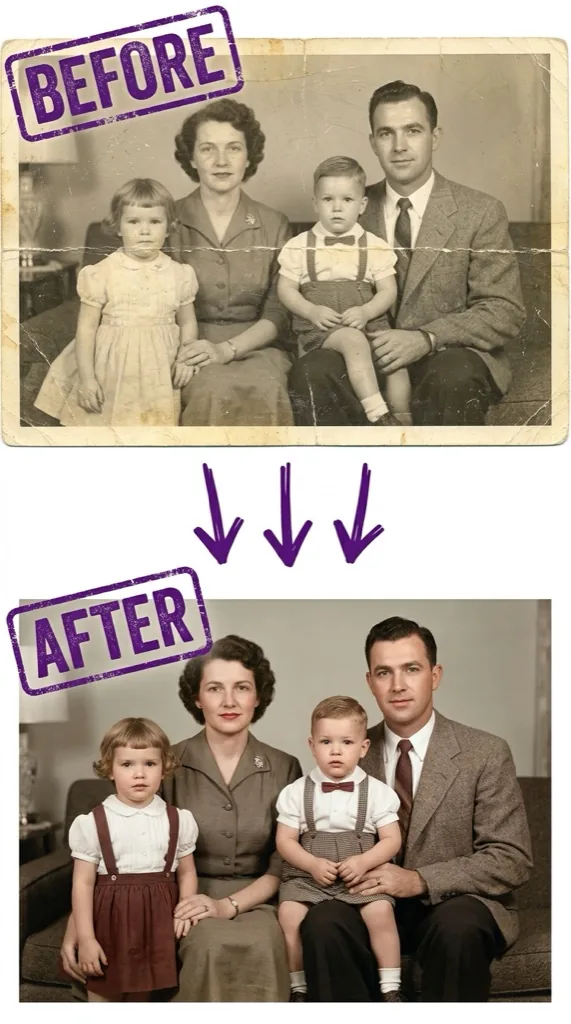
Repair scratches, fading, and damage while recovering detail and color without removing the original photo’s character.
Try Old Photo Restoration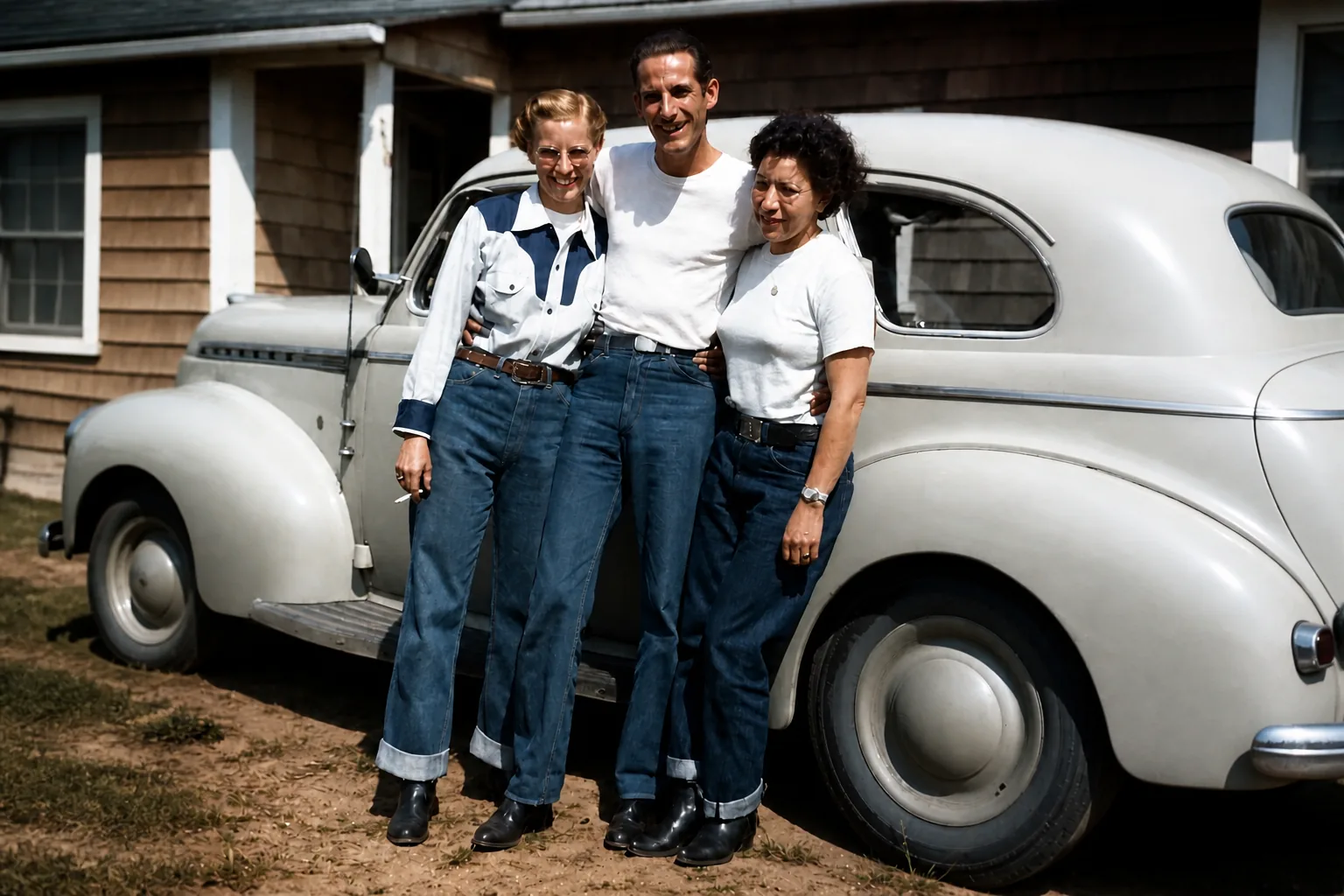
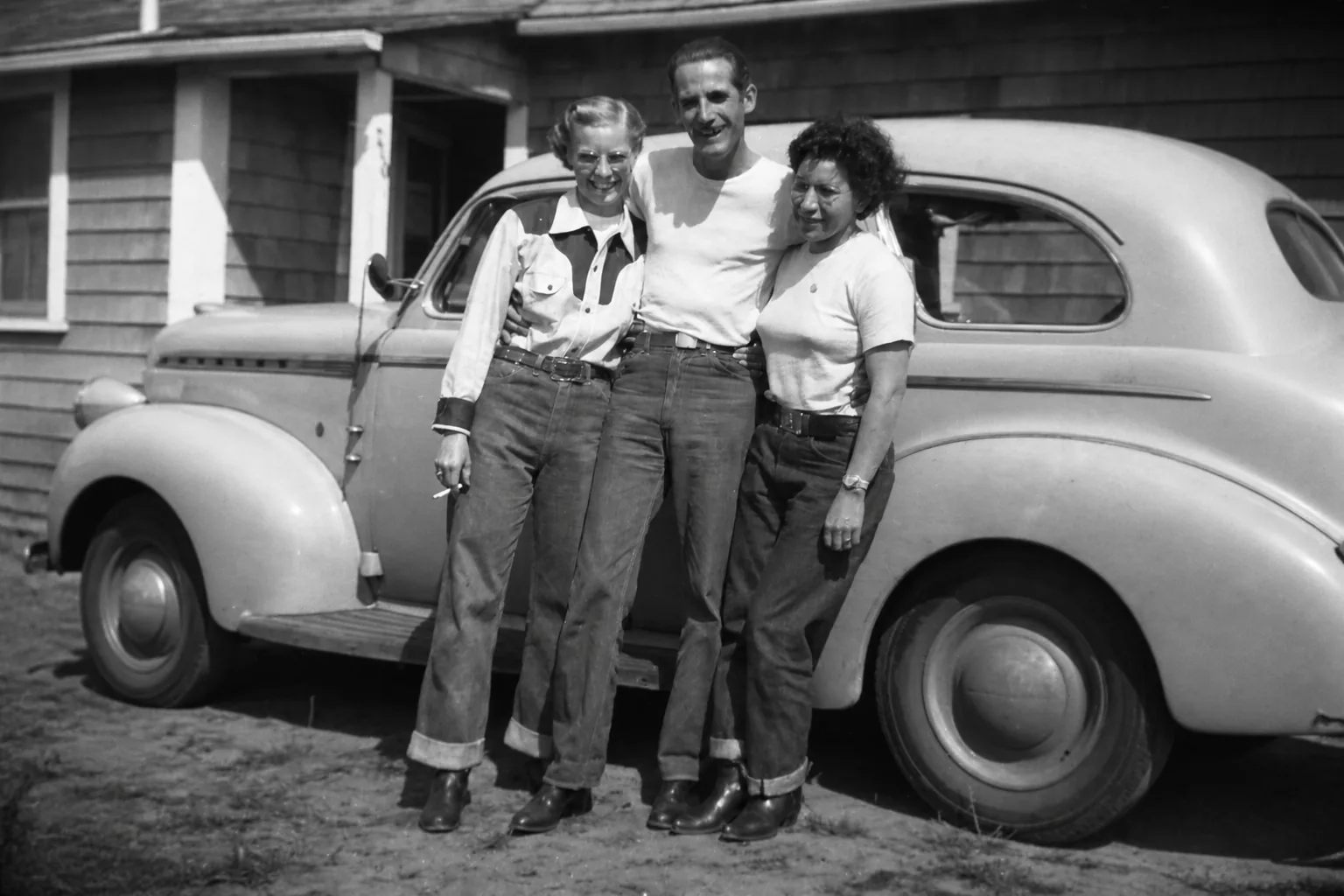
How it works
Use the AI image changer without layers or complex selection tools. Upload an existing image, explain the edit, and review the result.
Add the existing photo you want to edit. No account is required for your first guest image.
Choose a focused preset or tell the AI what to add, replace, or remove.
Review the displayed cost, generate your image, then download the result.
Creative possibilities
Explore how our AI image editor can turn an existing image into campaign-ready product stories, fashion editorials, brand worlds, and visual systems selected from our prompt library.
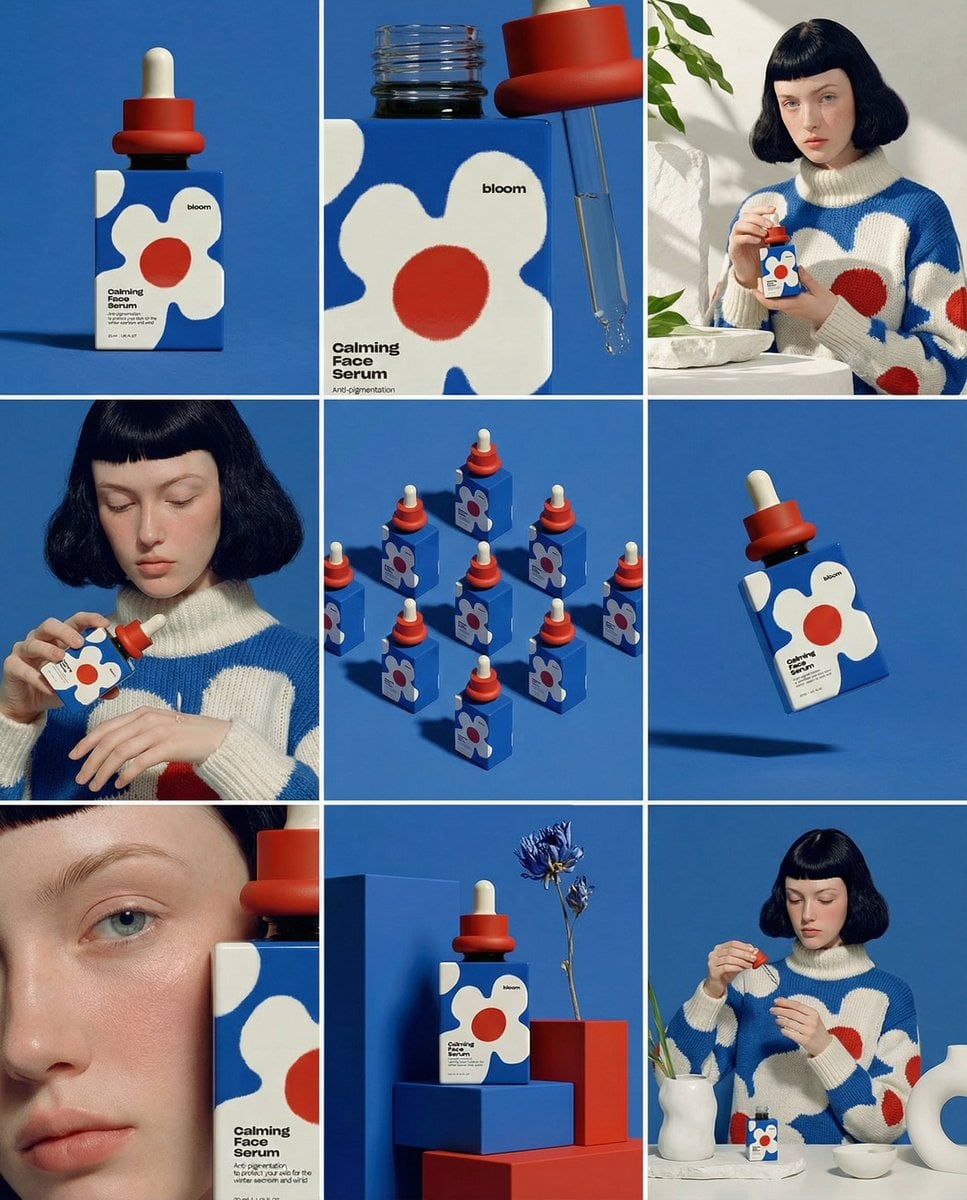
Turn one product into a complete campaign system with hero shots, lifestyle scenes, and detail frames that share one art direction.
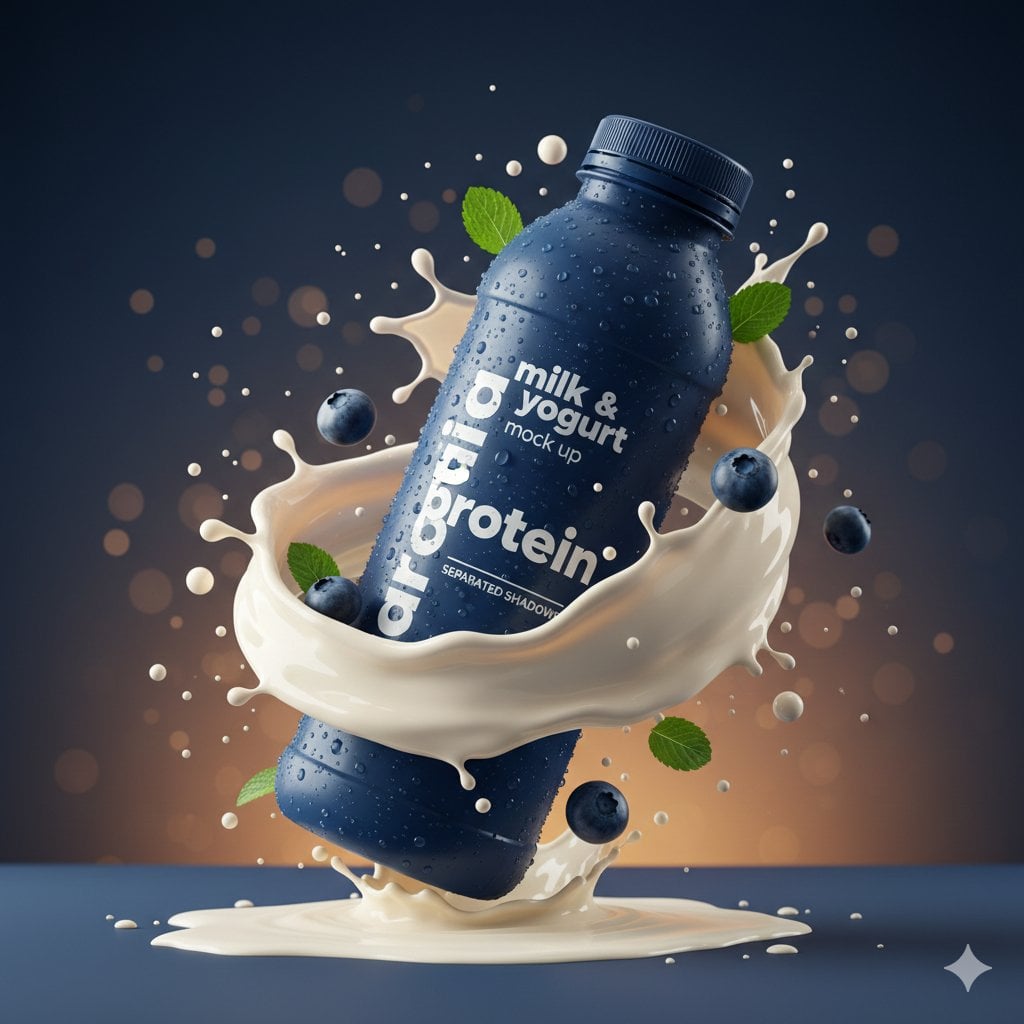
Build a high-impact hero image with tactile materials, controlled motion, and the kind of lighting used for paid product launches.
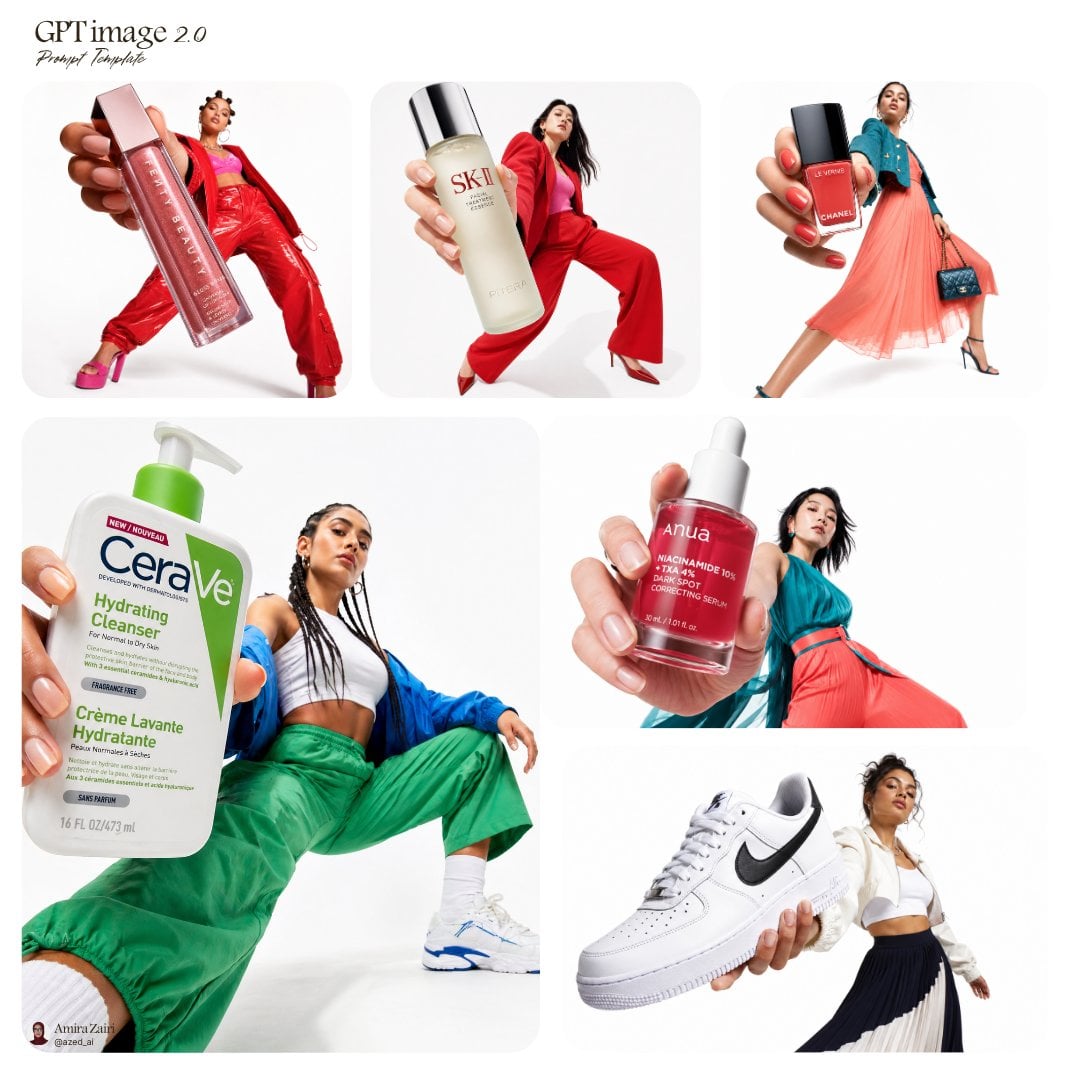
Give an everyday product the scale and attitude of a fashion campaign using graphic color, expressive pose, and an oversized product moment.
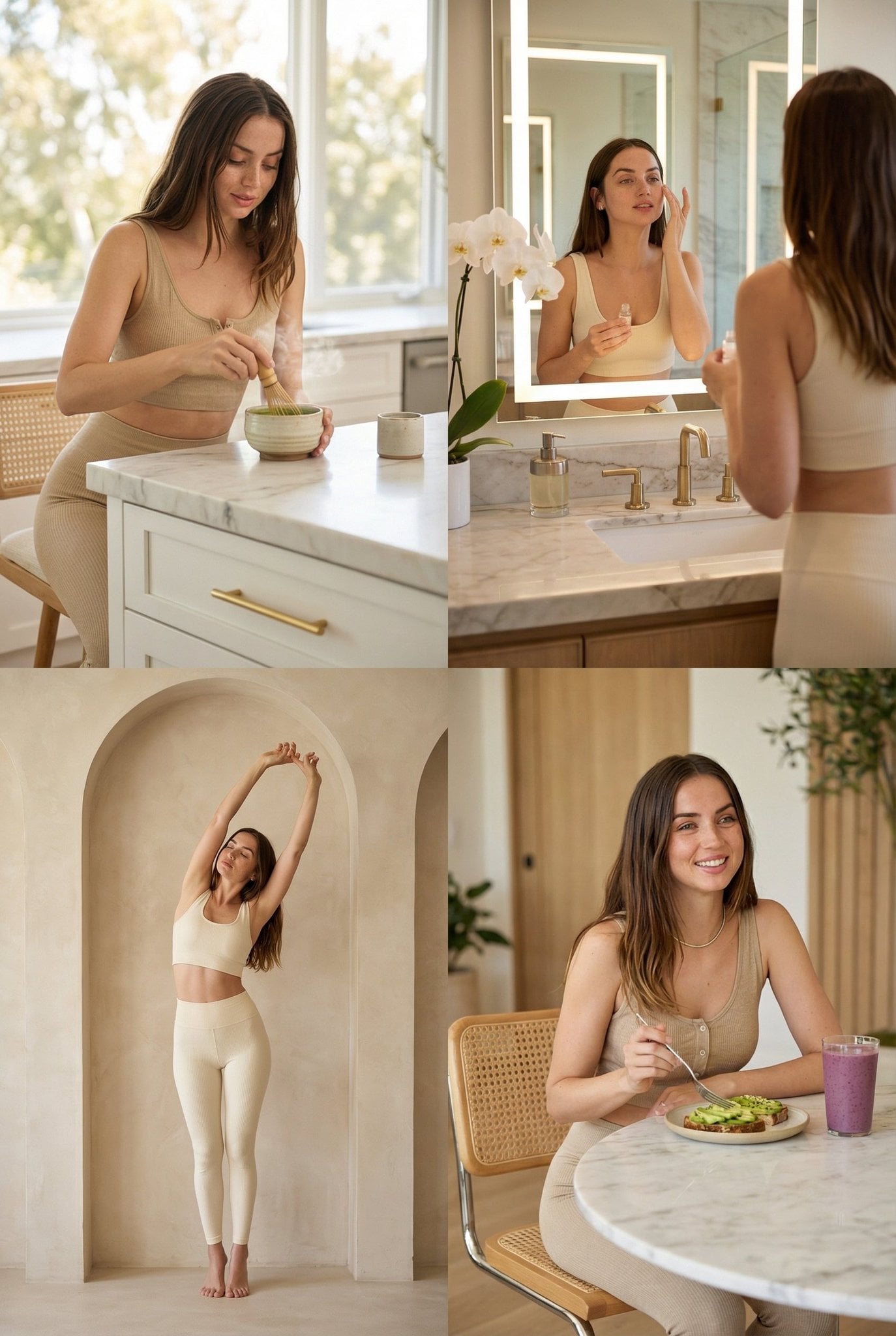
Create a calmer visual world around a product or person for wellness, hospitality, beauty, and modern lifestyle brands.
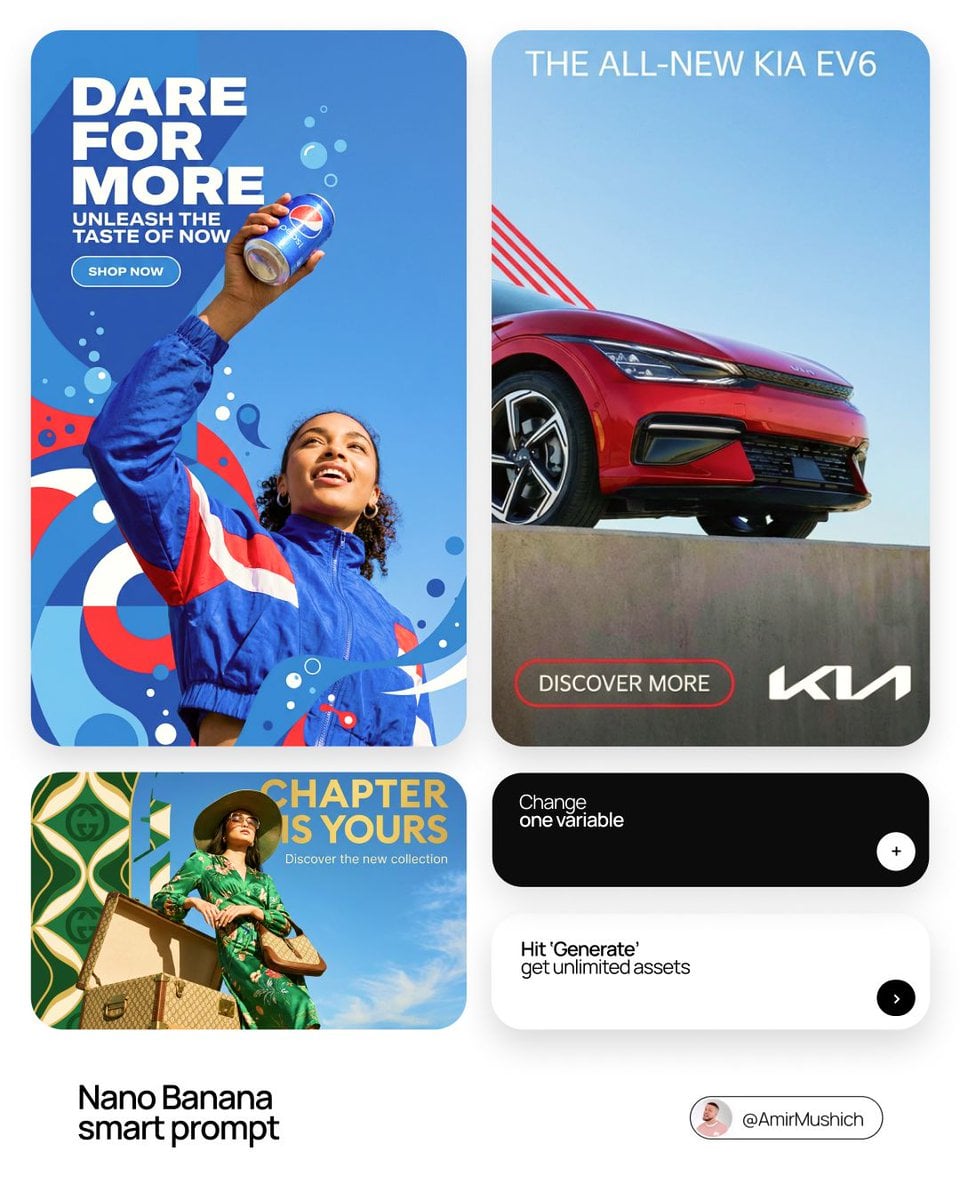
Translate one campaign idea into a flexible visual direction that works across launch ads, social posts, and product announcements.
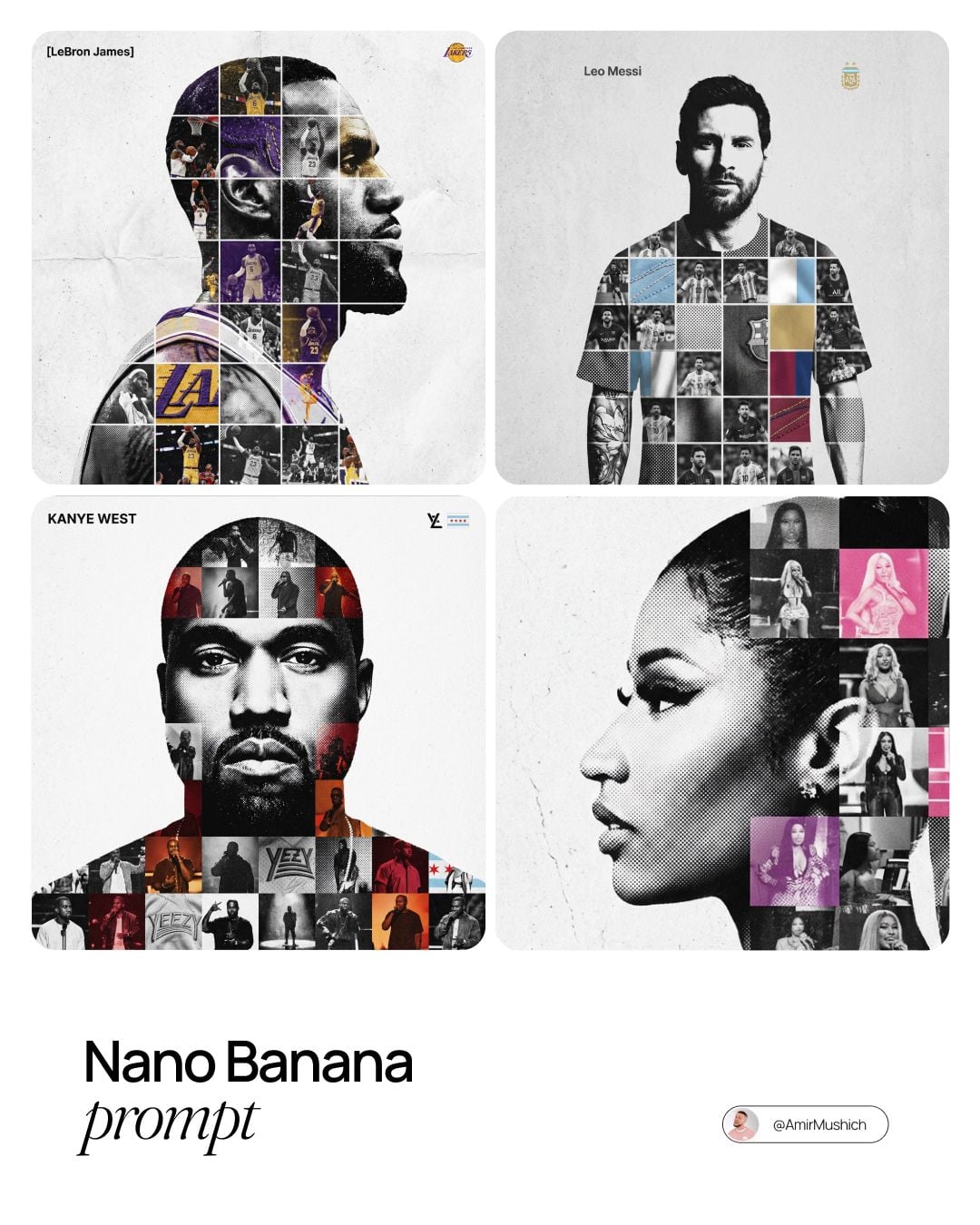
Combine portraiture, archive imagery, halftone texture, and typographic space into a collectible poster for culture, sport, or music.
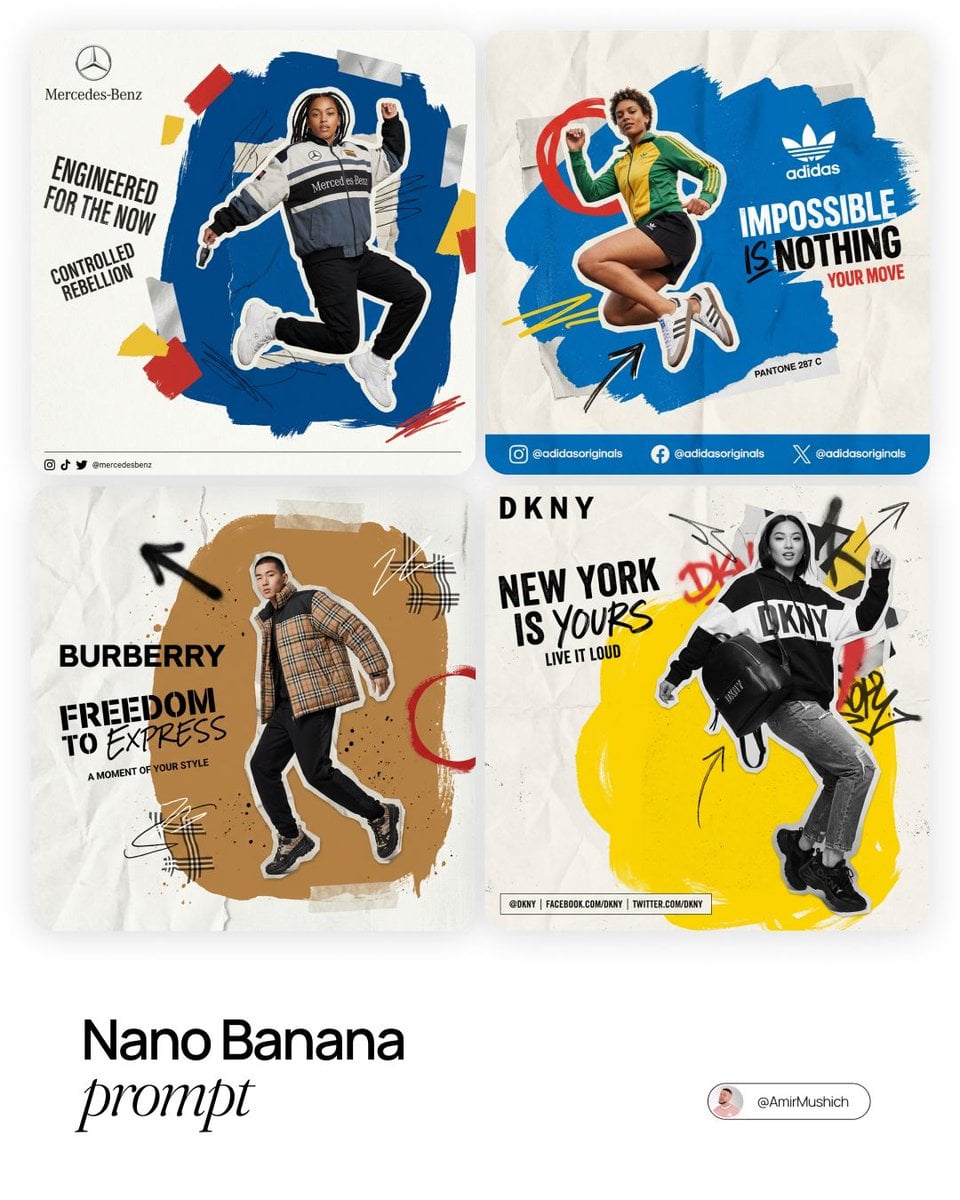
Turn a simple fashion or lifestyle photo into a shareable campaign asset with collage, paper texture, color, and motion cues.
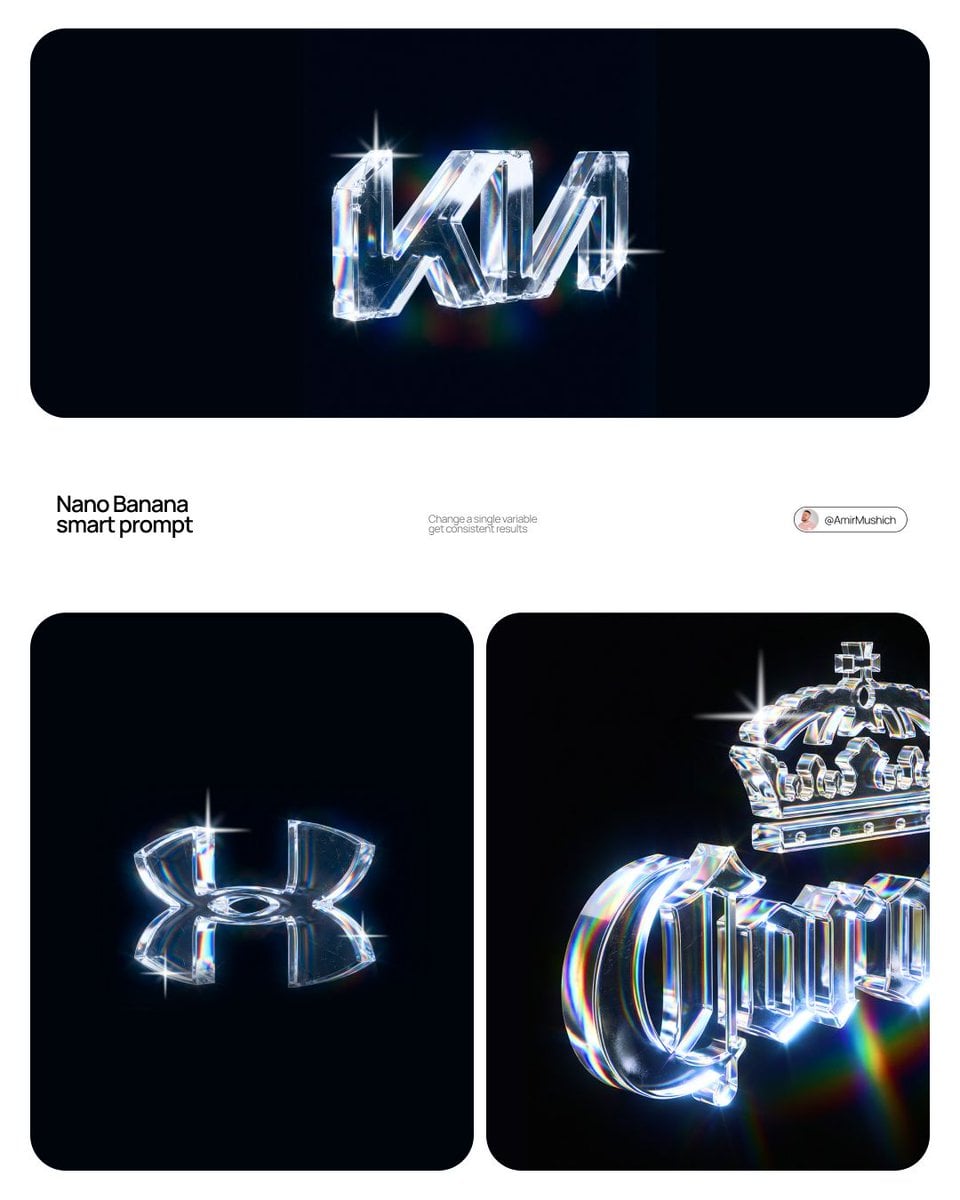
Make a wordmark or icon feel tangible with premium 3D materials, optical light, and a visual language suited to a modern identity launch.
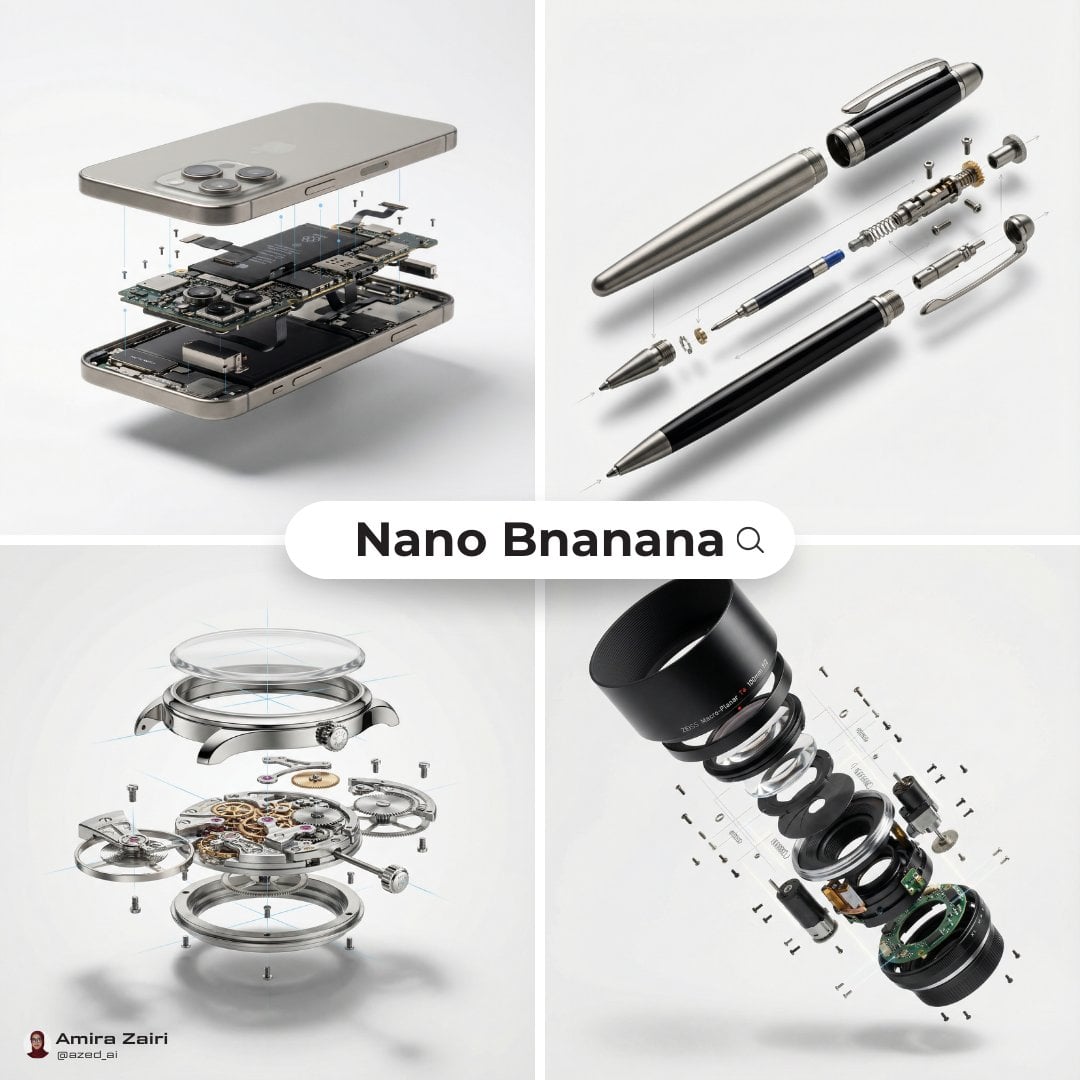
Explain craft, technology, and product detail through a precise exploded view that feels equally at home in a launch deck or design feature.
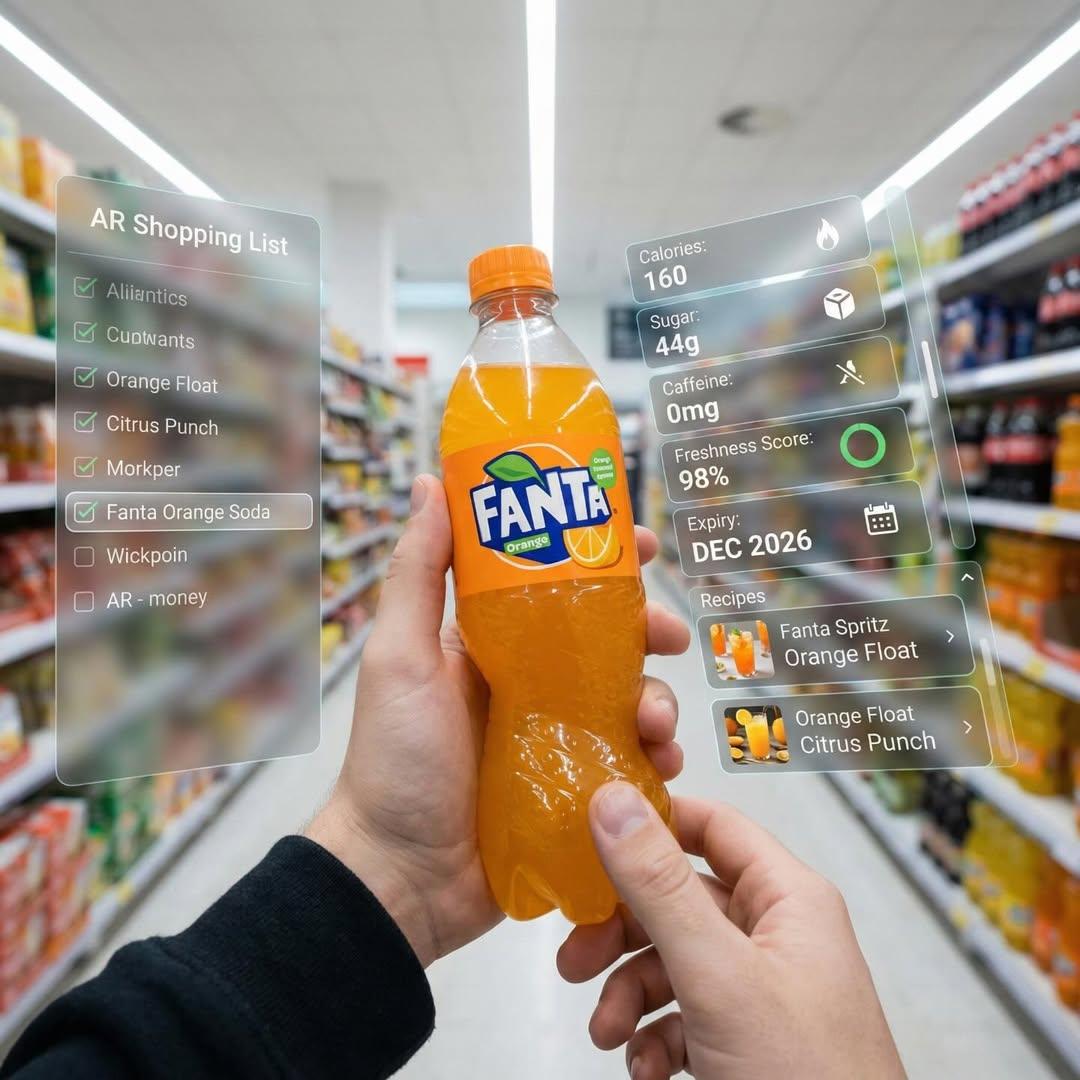
Visualize the next retail interaction by blending a physical product with useful, spatial interface elements that communicate value at a glance.
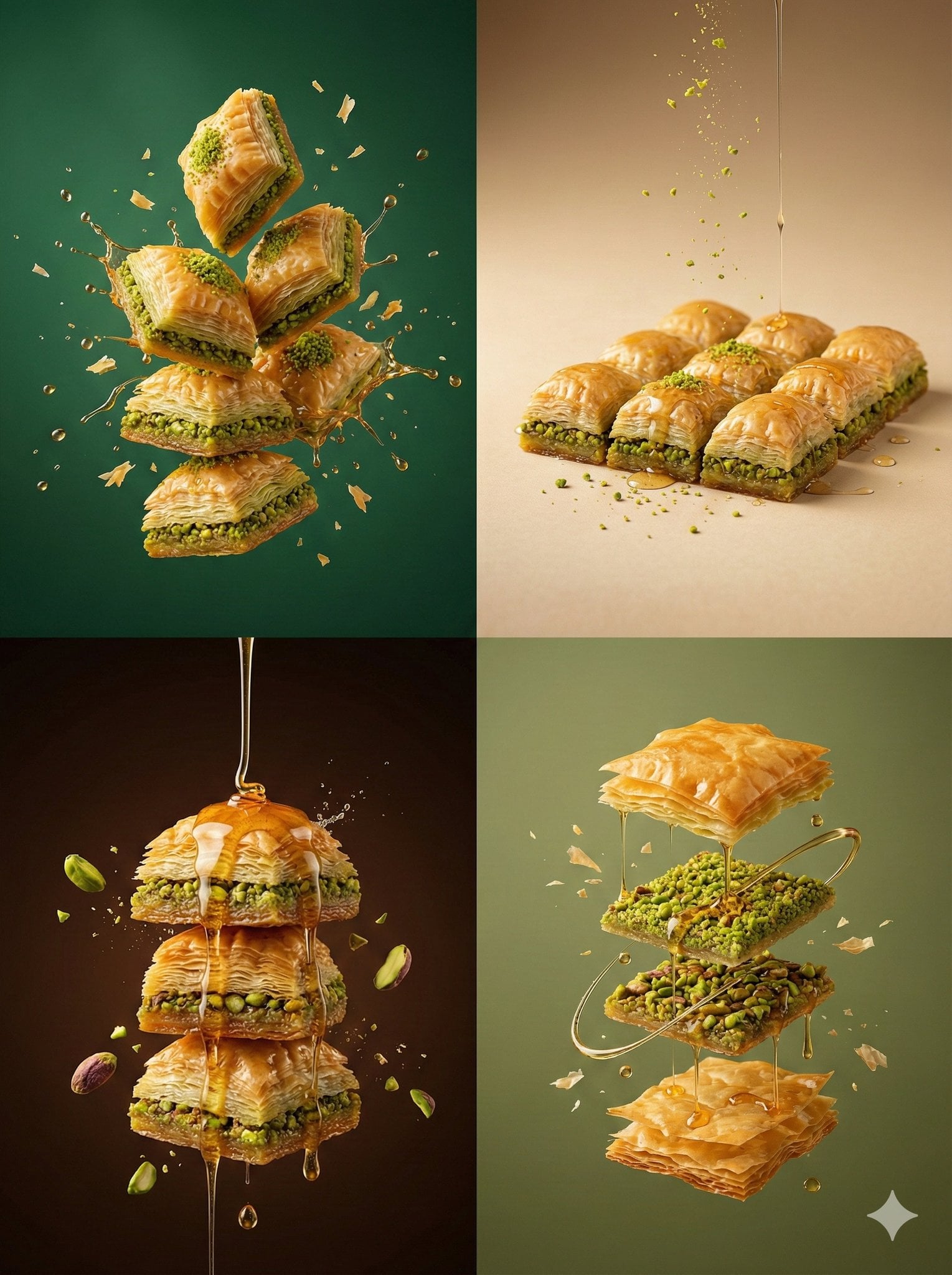
Give food and drink a richer visual appetite with suspended ingredients, controlled texture, and an art-directed color palette.
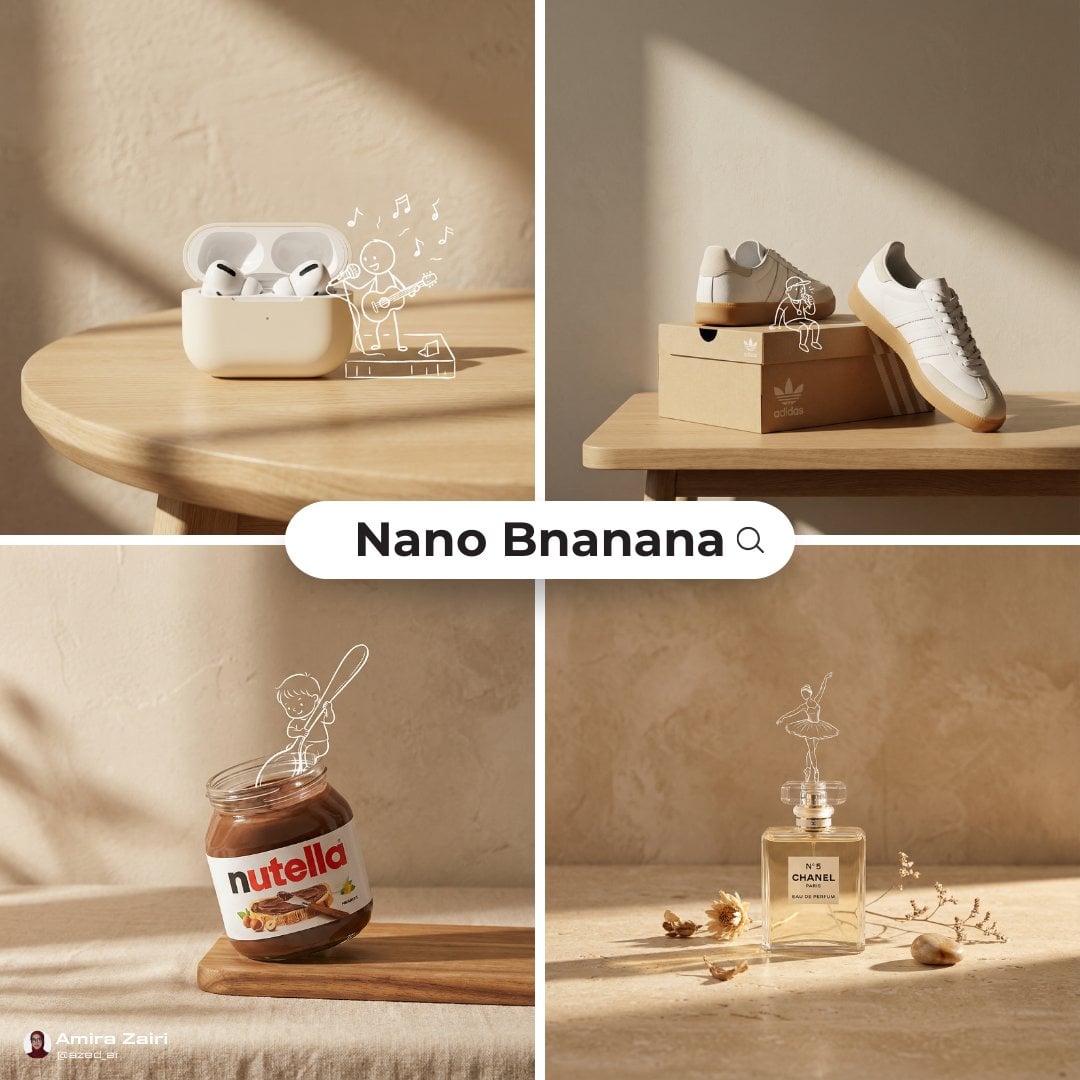
Add personality to a clean product shot with warm light, tactile surfaces, and simple illustrated details that make the image more memorable.
Pricing
Start free, then move to a paid plan when you need more credits, output choices, or higher-volume workflows.
FAQ
How free image editing works, supported models, commercial use, and when to upgrade.
Your next edit
Try one watermark-free image without signing up. Create a Free account afterward for 10 welcome credits instantly, or compare paid plans for more credits and larger output options.