

AI old photo restoration · Free to try
Restore Old Photos with AI — Free & Natural
Repair scratches, tears, fading, blur, and lost detail in old photographs. Recover natural color and clarity while preserving the people, expressions, composition, and period character.
See What AI Old Photo Restoration Can Recover
Compare real restorations that repair physical damage, recover natural detail, and restore color while preserving the people, composition, and character of each original photo.
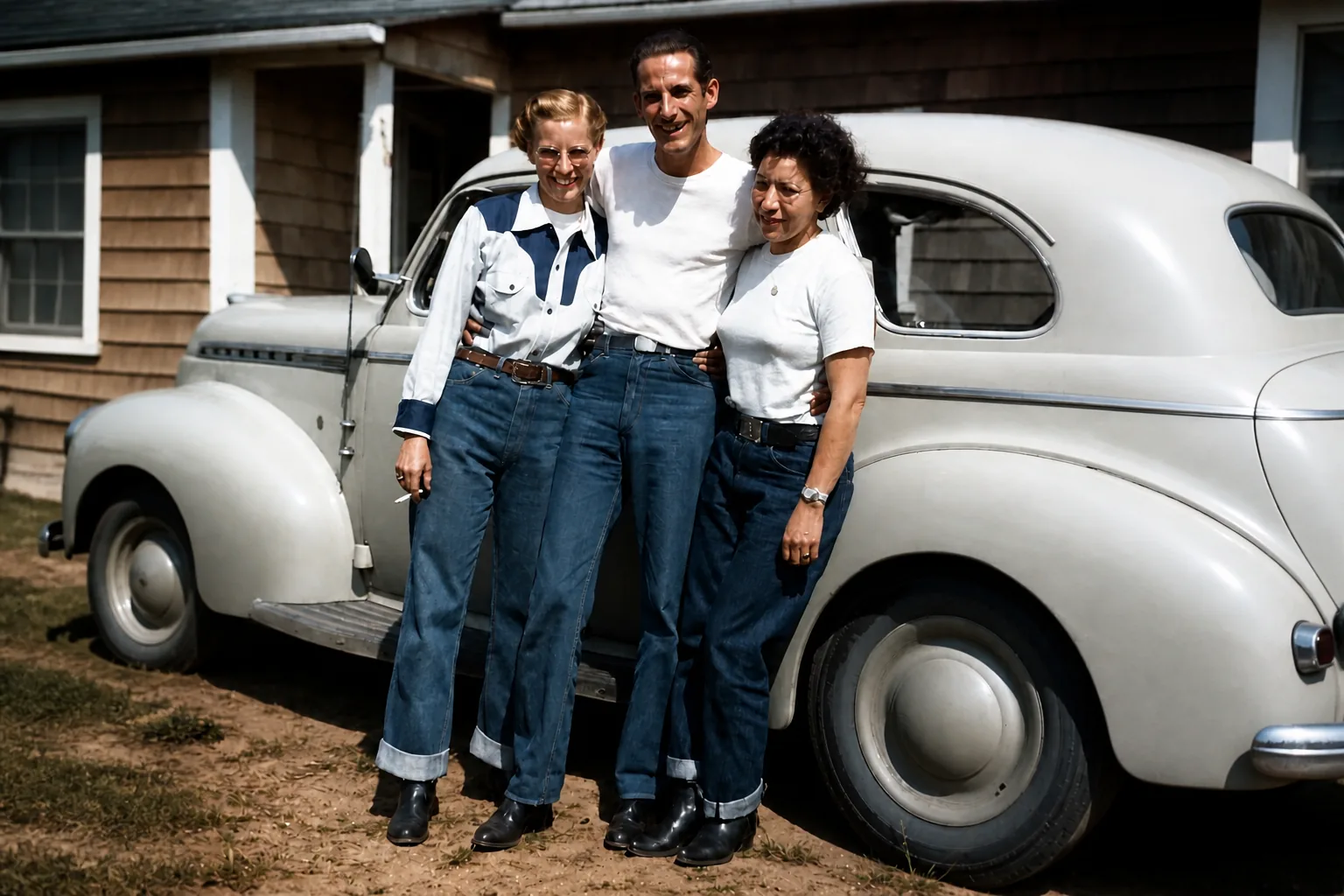
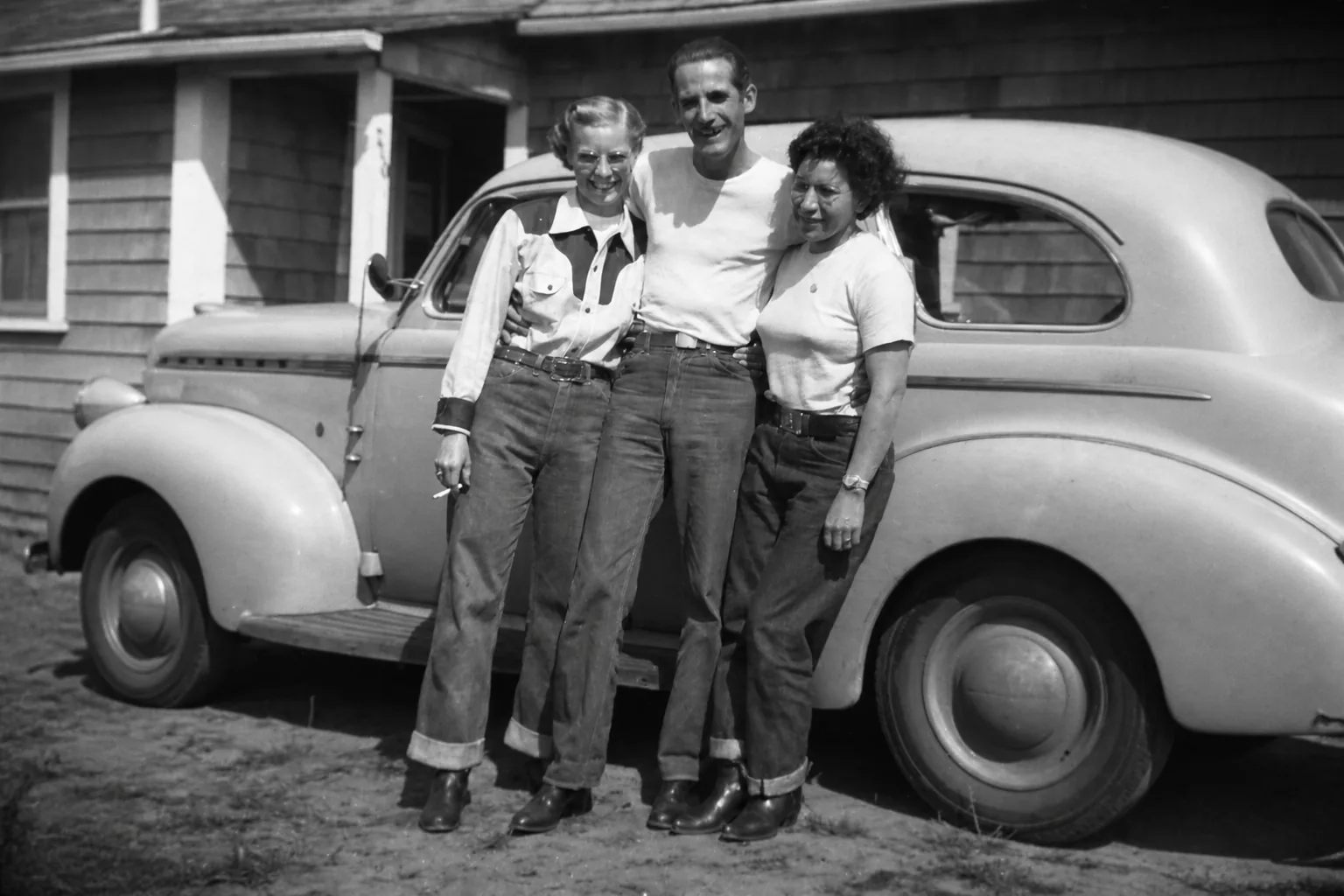
Family photo: restore natural color and detail
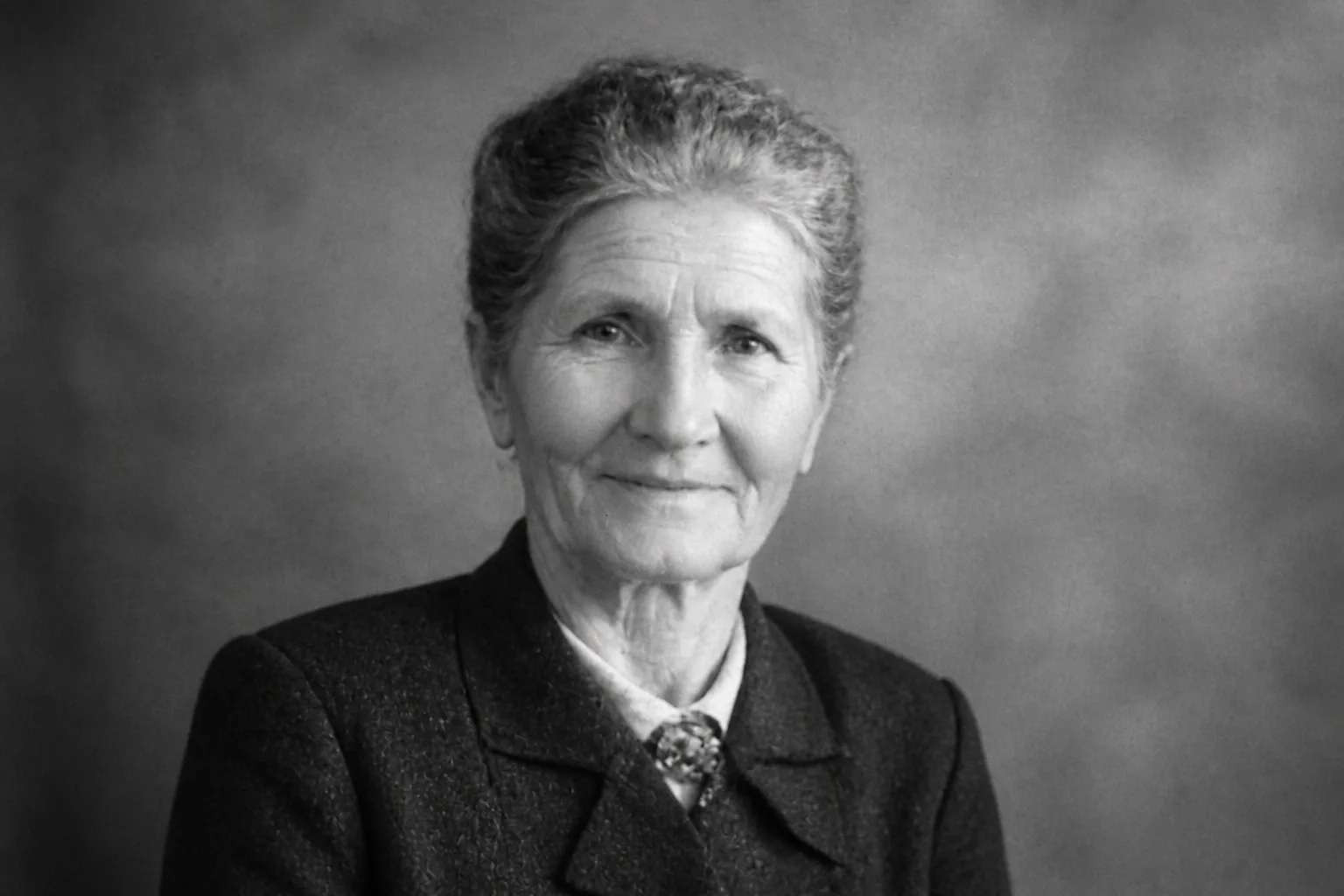
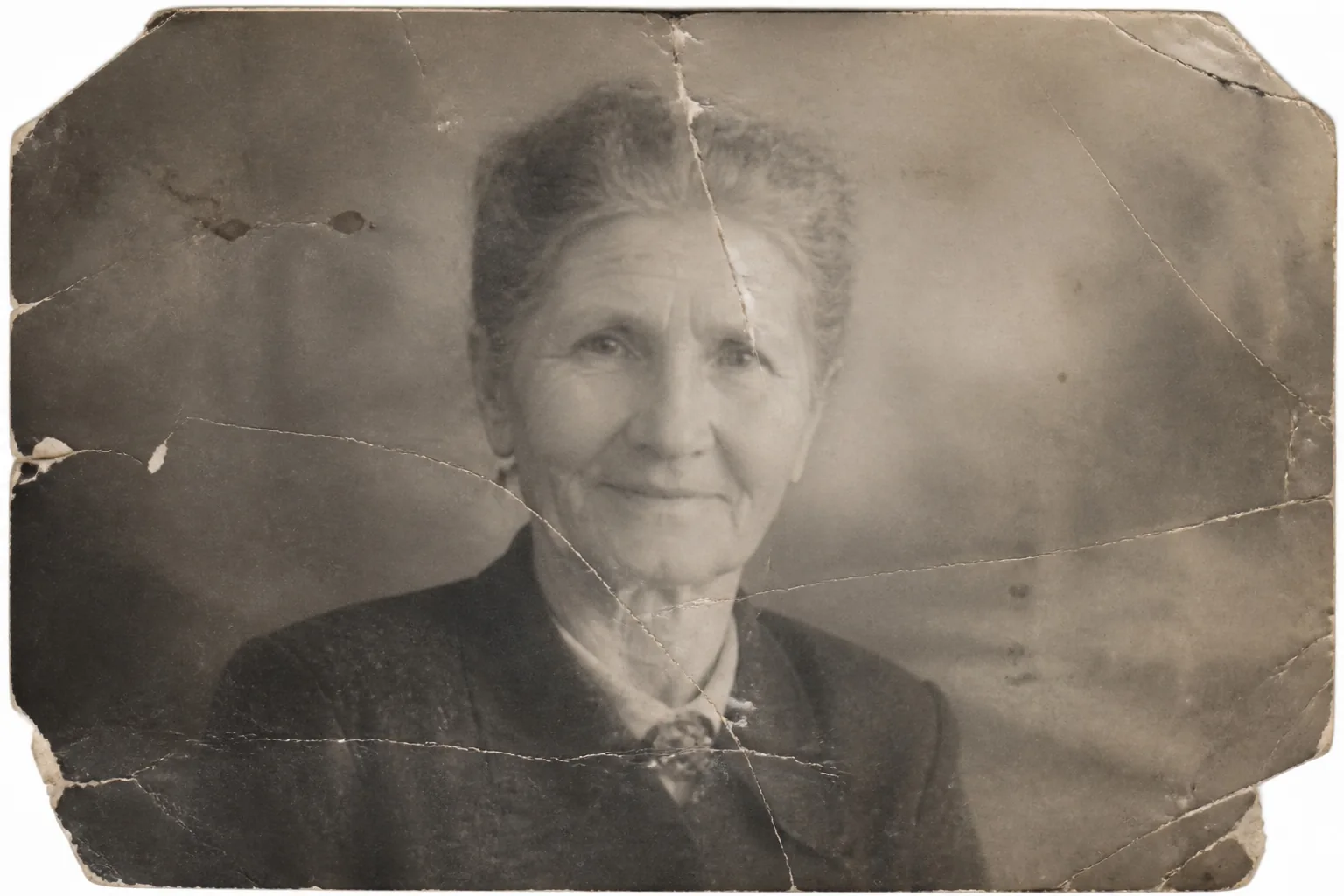
Portrait: repair tears and recover detail
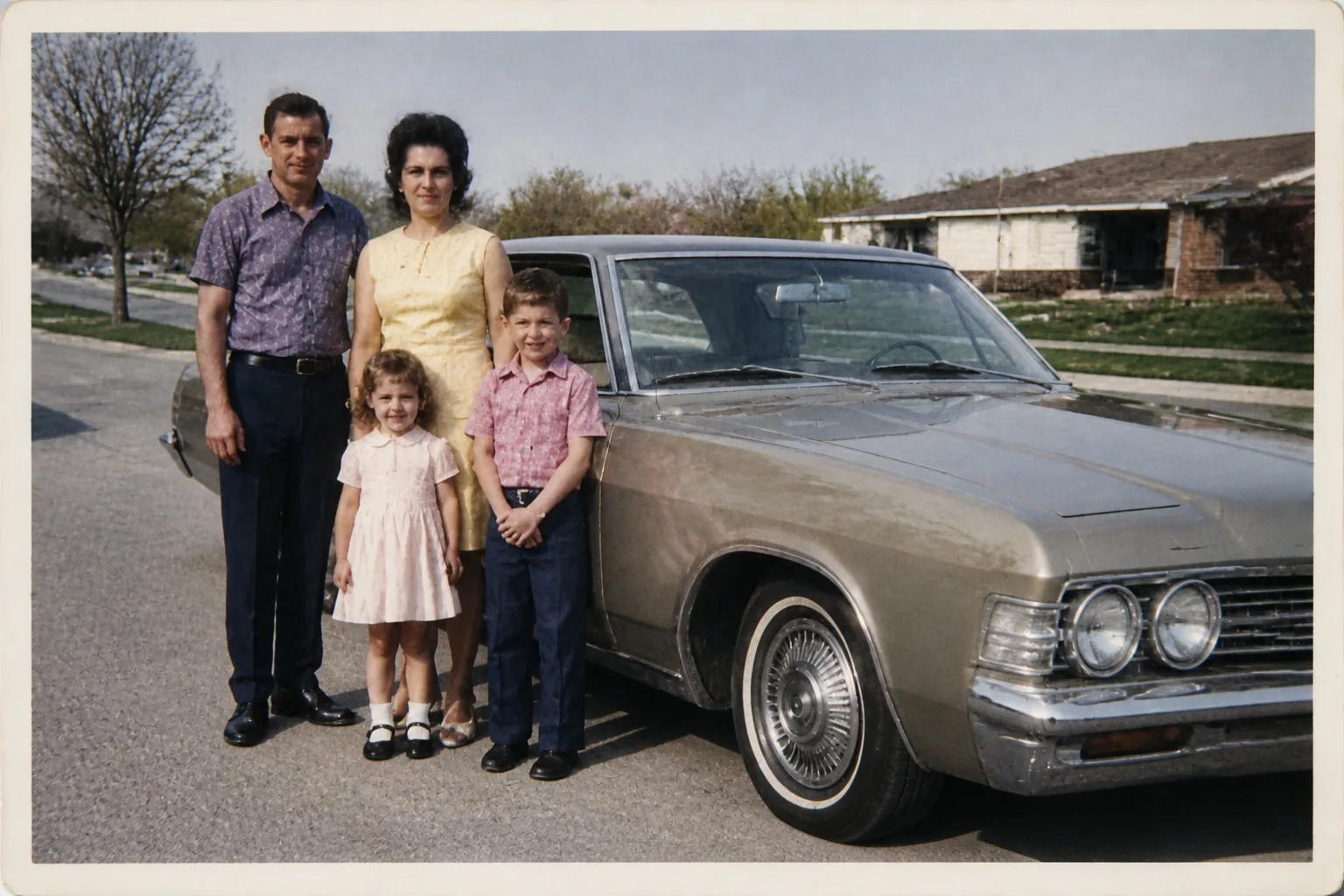
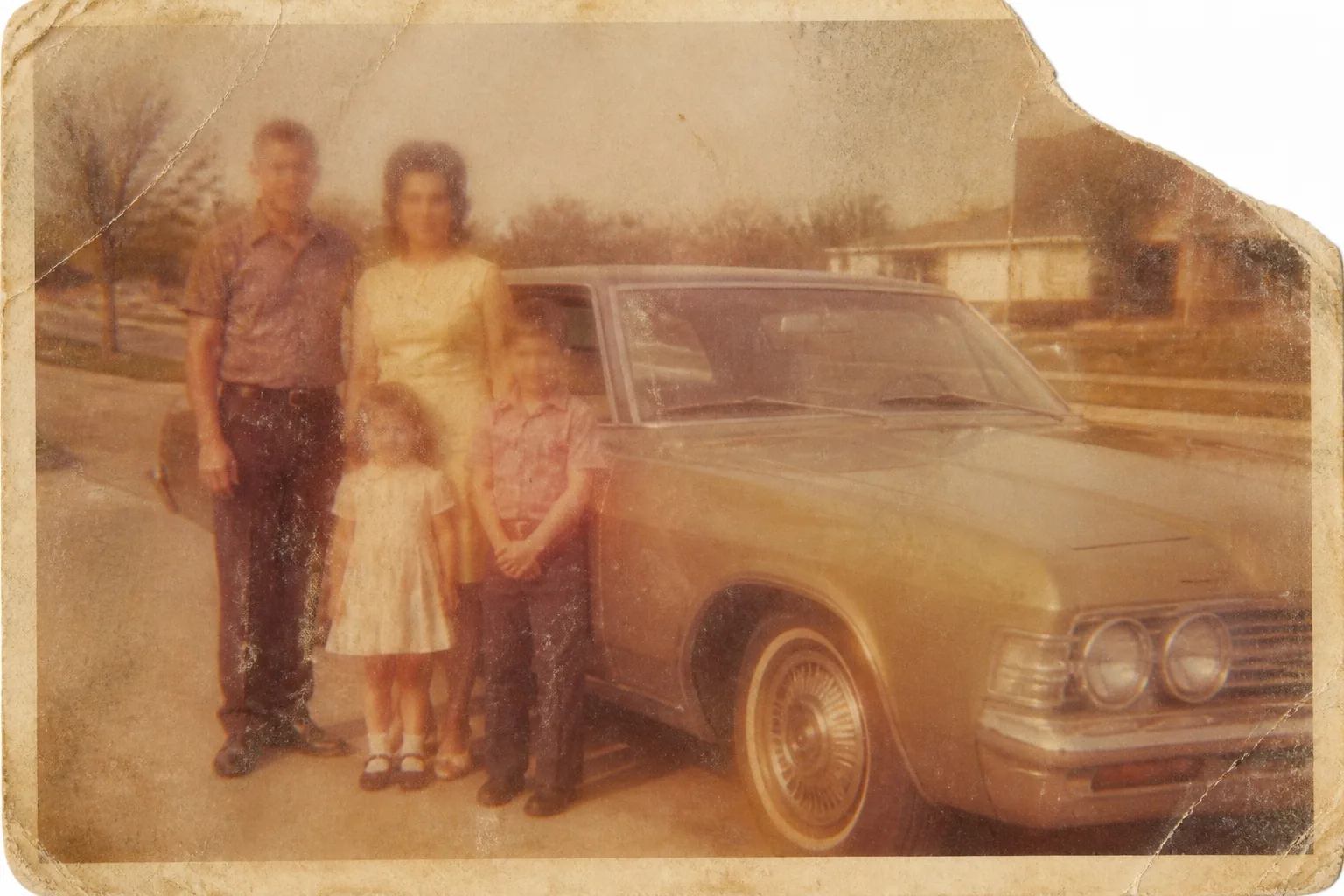
Family photo: restore faded color and clarity
How to Restore an Old Photo in 3 Simple Steps
Upload a scan or photo, choose the restoration you need, and let the AI repair damage, improve clarity, and recover natural color in seconds.
- 01
Upload a clear image
- 02
Choose a preset or describe the edit
- 03
Generate and save the result
6 Ways to Use AI Old Photo Restoration
Preserve meaningful images and prepare aging photographs for sharing, printing, or creative reuse.
- Family archives — preserve meaningful portraits and milestone photos.
- Damaged prints — repair scratches, tears, folds, spots, and faded areas.
- Faded color photos — recover more natural color and contrast.
- Scanned film — reduce noise and improve clarity before sharing.
- Vintage portraits — enhance detail while respecting the original character.
- Memory projects — prepare restored images for albums, gifts, and displays.
After restoring a photo, use Style Transfer to give a treasured image an artistic new look.
Read: How to Restore Old Photos with AIAI Old Photo Restoration FAQ
Ready to Restore a Meaningful Photo?
Upload a scan or photograph and choose the repair you need. No restoration software or credit card required to try it.
Start editingTry a related tool: Style Transfer