

AI background replacer · Free to try
Replace Background with AI — Free & Instant
Upload a photo, describe your new background, and get a polished image in seconds. Our AI background replacer works in your browser with no Photoshop skills or sign-up required to try it.
See What Our AI Background Replacer Can Do
Compare real edits for pet portraits, professional headshots, and clean cutouts. Each result was created with the AI replace background workflow while preserving the main subject.


Pet portrait: meadow to cozy living room


Headshot: blue backdrop to clean white

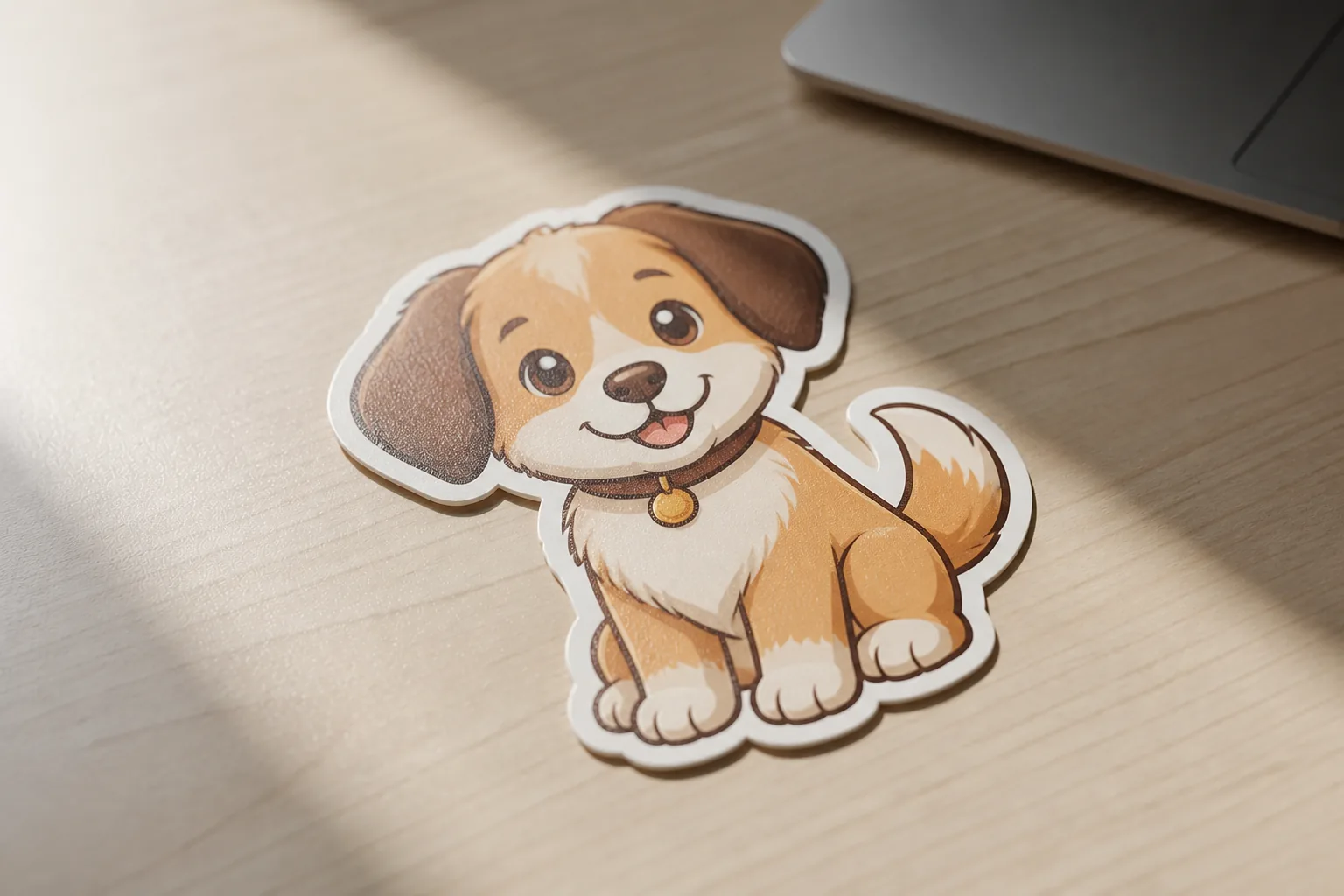
Sticker: desk to transparent background
How to Replace a Background in 3 Simple Steps
Upload a clear image, describe the setting you want, and let the AI background replacer create a finished result in seconds.
- 01
Upload a clear image
- 02
Choose a preset or describe the edit
- 03
Generate and save the result
6 Ways to Use an AI Background Replacer
Replace image backgrounds for everyday design, marketing, and personal projects without manual masking.
- E-commerce product photos — create white, studio, or lifestyle settings.
- Professional headshots — switch to a clean office or neutral backdrop.
- Property listings — improve skies, lawns, and exterior presentation.
- Social content — match campaign colors, seasons, and brand themes.
- Creative portraits — place people in cinematic or imaginative scenes.
- Pet photos — move a favorite portrait into a park or seasonal setting.
After replacing the background, try our Object Remover to clean up unwanted details without rebuilding the image.
AI Background Replacer FAQ
Ready to Replace Your Background?
Upload an image and describe the scene you want. No Photoshop skills or credit card required to try it.
Start editingTry a related tool: Object Remover