

AI hair color changer · Free to try
Change Hair Color with AI — Free & Realistic
Upload a portrait and preview blonde, brunette, red, black, pink, and more in seconds. Our AI hair color changer keeps your face, hairstyle, skin tone, lighting, and background natural.
Preview Realistic Hair Colors with AI
See how the AI hair color changer, also known as an AI hair colour changer, previews copper, red, and ash tones while preserving each person’s face, hairstyle, texture, and original setting.
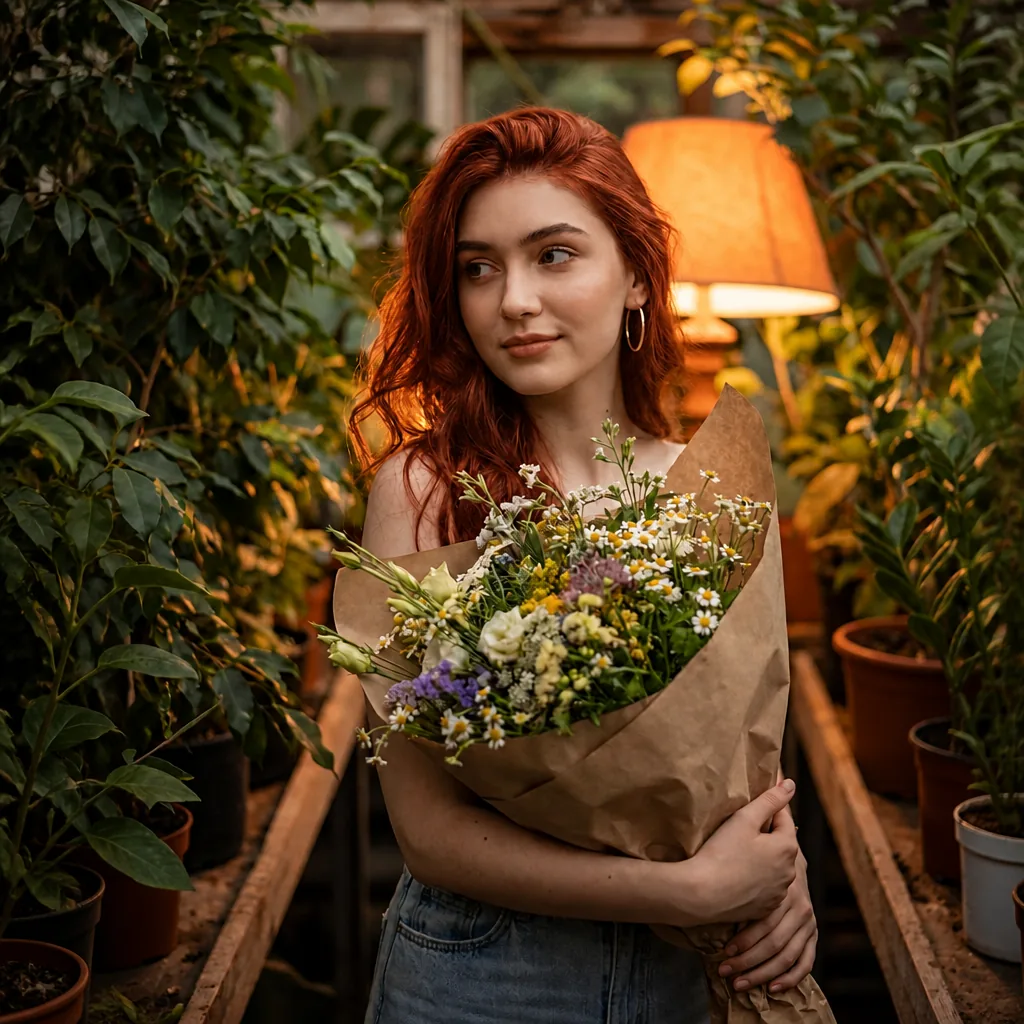
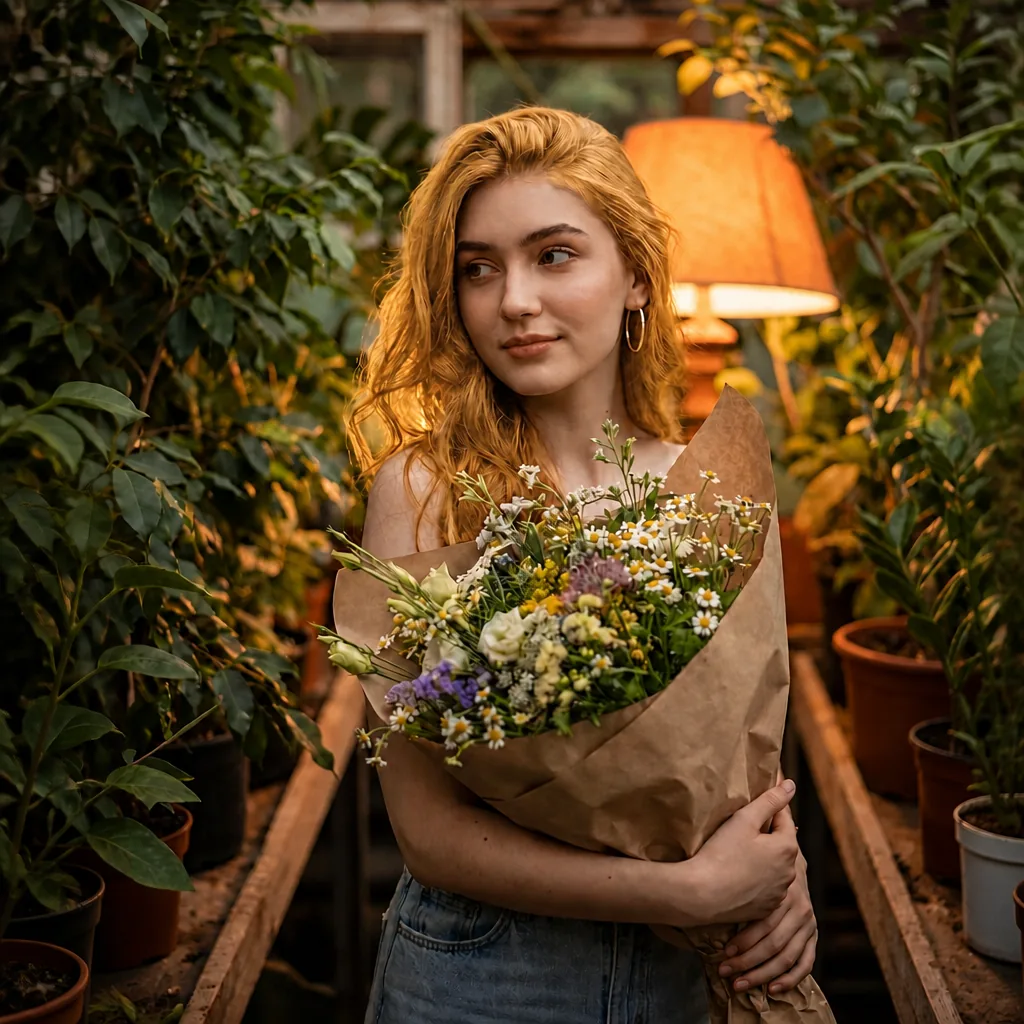
Golden blonde to rich copper red
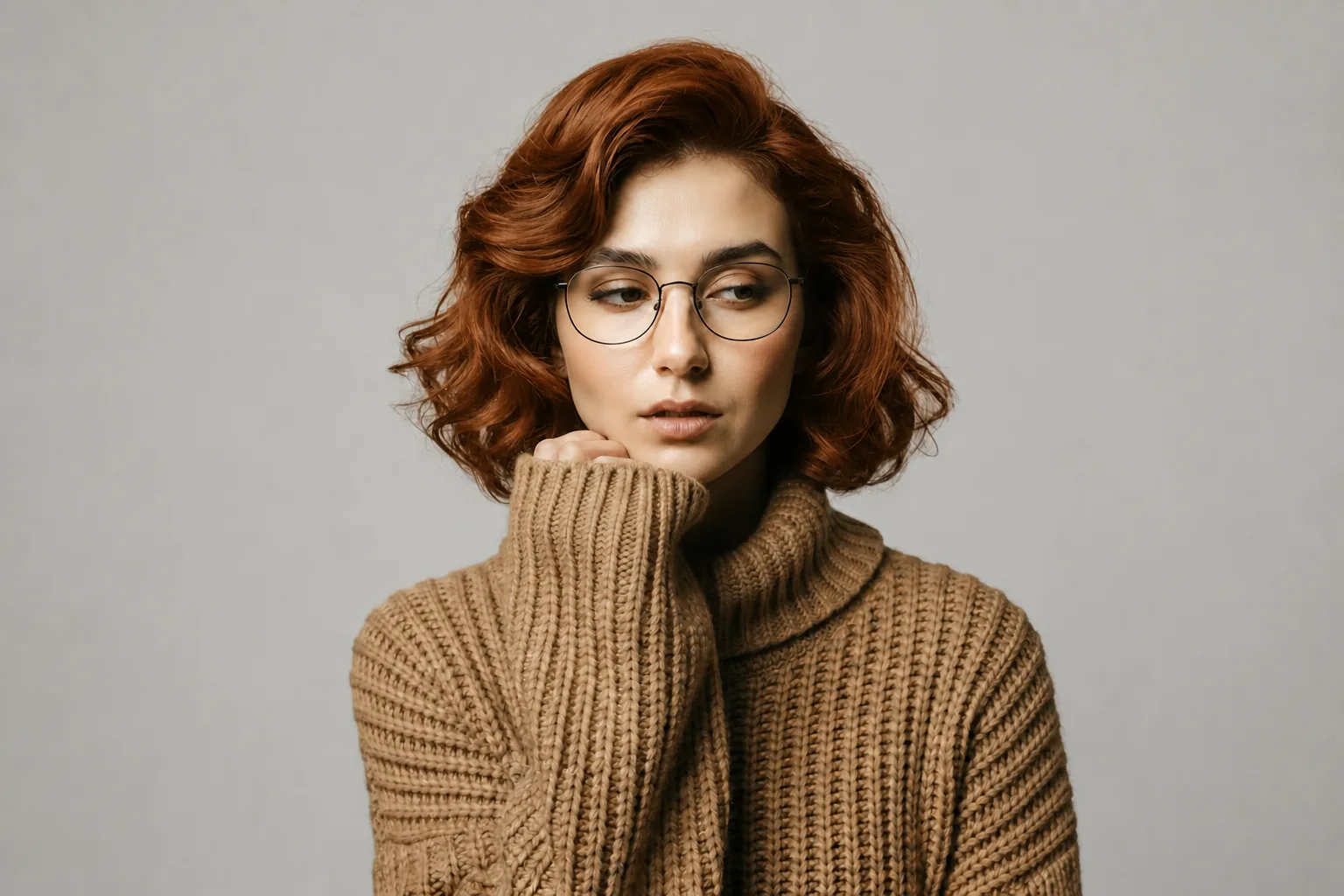
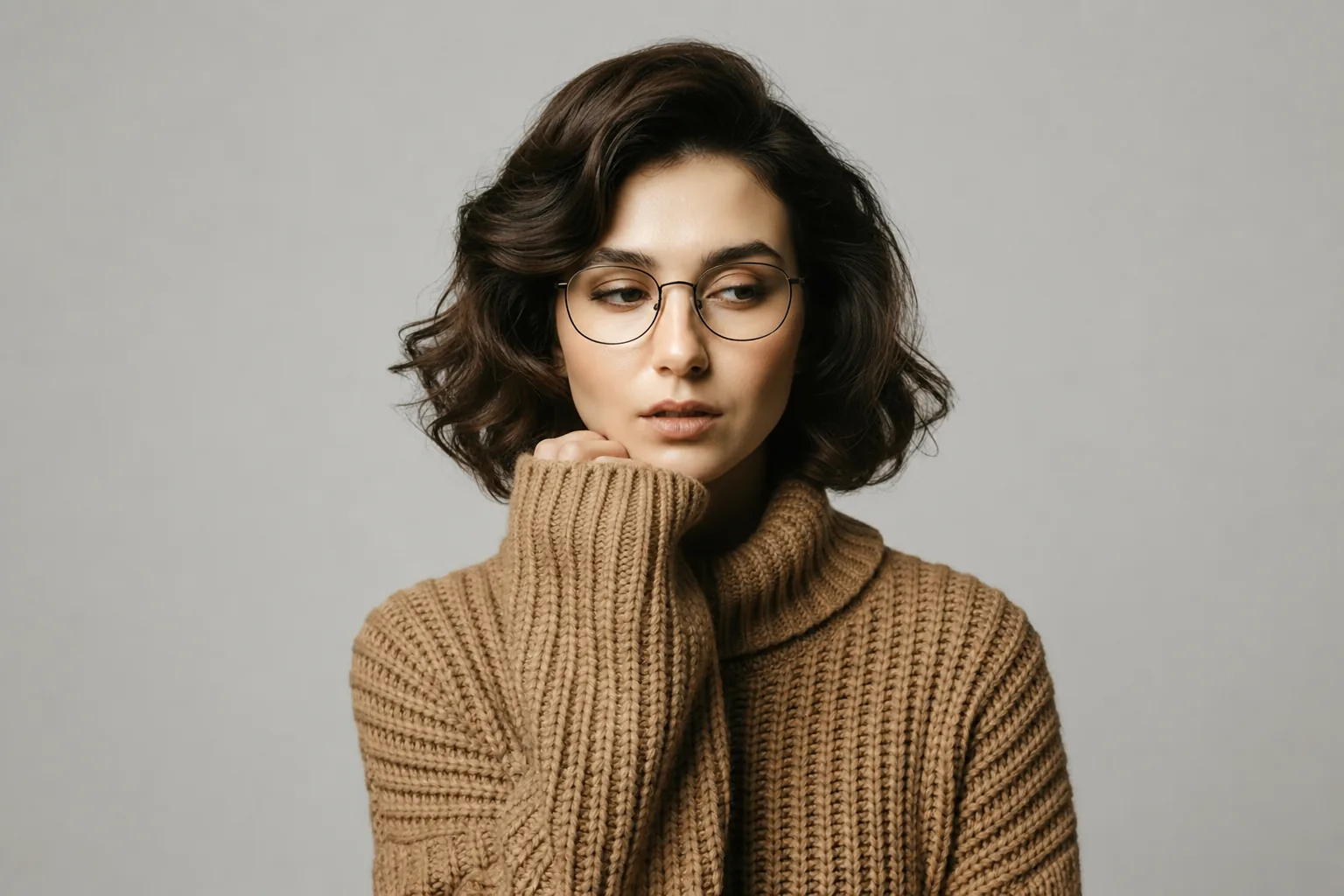
Deep brunette to vibrant copper
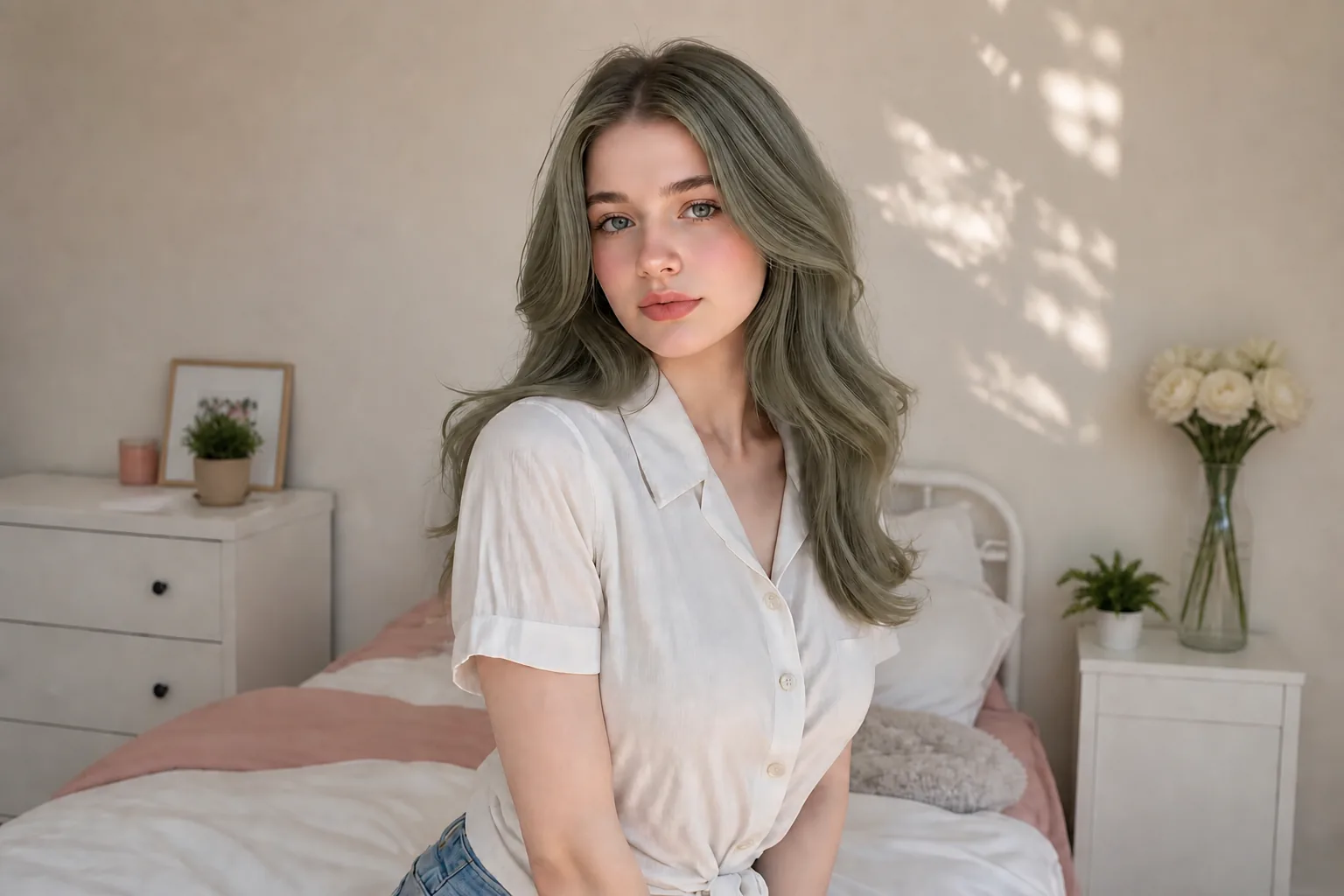
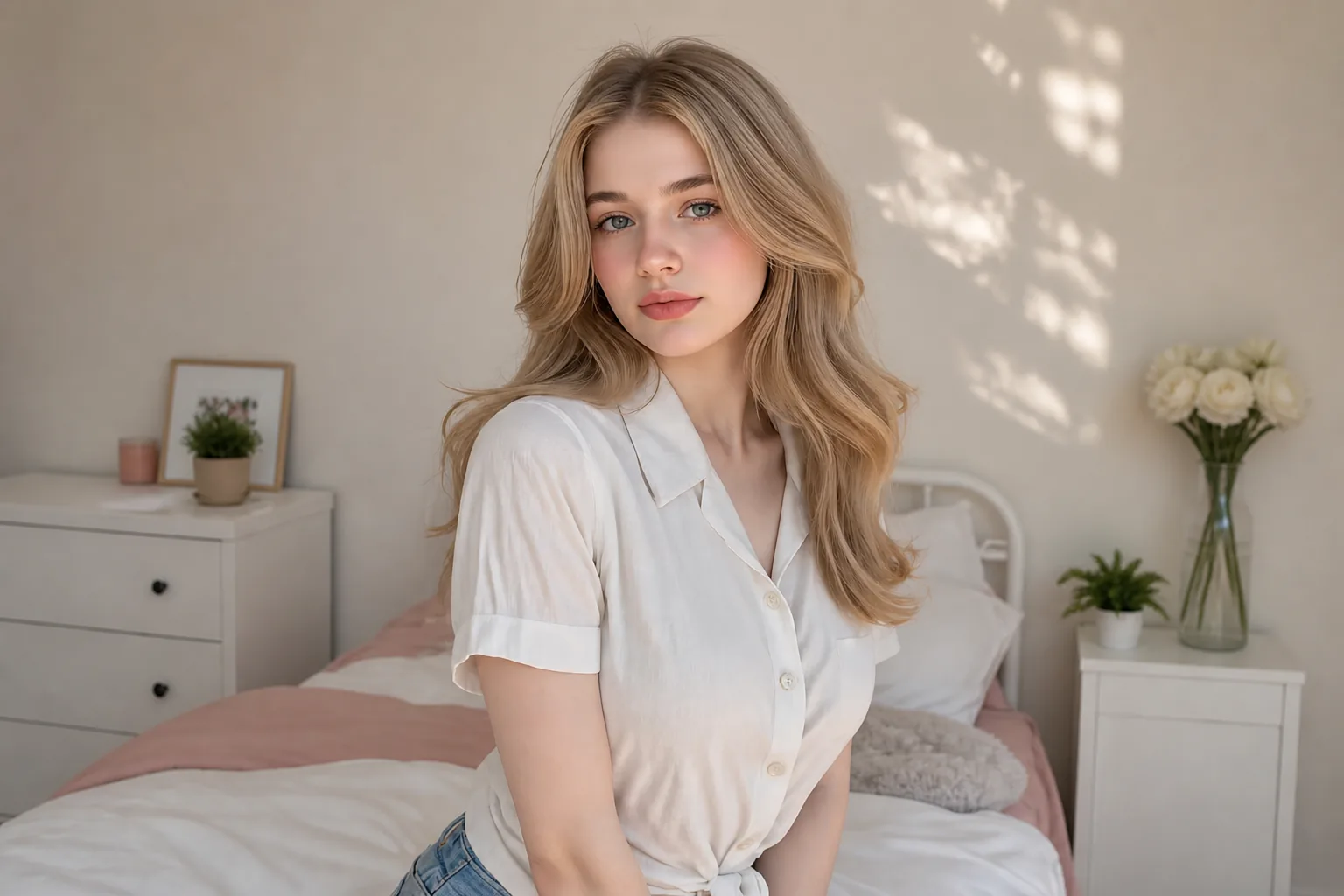
Blonde to ash brown
How to Change Hair Color in 3 Simple Steps
Upload a clear portrait, choose a color preset or describe your shade, and generate a realistic virtual hair color try-on in seconds.
- 01
Upload a clear image
- 02
Choose a preset or describe the edit
- 03
Generate and save the result
6 Ways to Use an AI Hair Color Changer
Preview a new hair color before committing, or create polished looks for personal, social, and commercial projects.
- Salon planning — compare blonde, brunette, red, or black before dyeing.
- Seasonal looks — preview warmer, cooler, or brighter shades.
- Social makeovers — create fresh profile photos and campaign posts.
- Cosplay concepts — test vivid pink, blue, purple, or character colors.
- Creative campaigns — explore beauty and fashion directions quickly.
- Headshot consistency — align hair tone across a portrait collection.
Once you find the right color, try our Style Transfer tool to explore a complete new look while keeping the portrait recognizable.
Read: How to Change Hair Color in a Photo with AIAI Hair Color Changer FAQ
Ready to Try a New Hair Color?
Upload a portrait and choose a shade to create a realistic preview. No salon appointment or credit card required to try it.
Start editingTry a related tool: Style Transfer