

AI style transfer · Free to try
Transform Photo Styles with AI — Free & Creative
Upload a photo and turn it into watercolor, anime, oil painting, Art Nouveau, cyberpunk, and more. Our AI style transfer keeps the subject, pose, and composition recognizable.
See What AI Style Transfer Can Create
Compare real style transformations that preserve the recognizable people and scenes while applying a distinct creative direction.
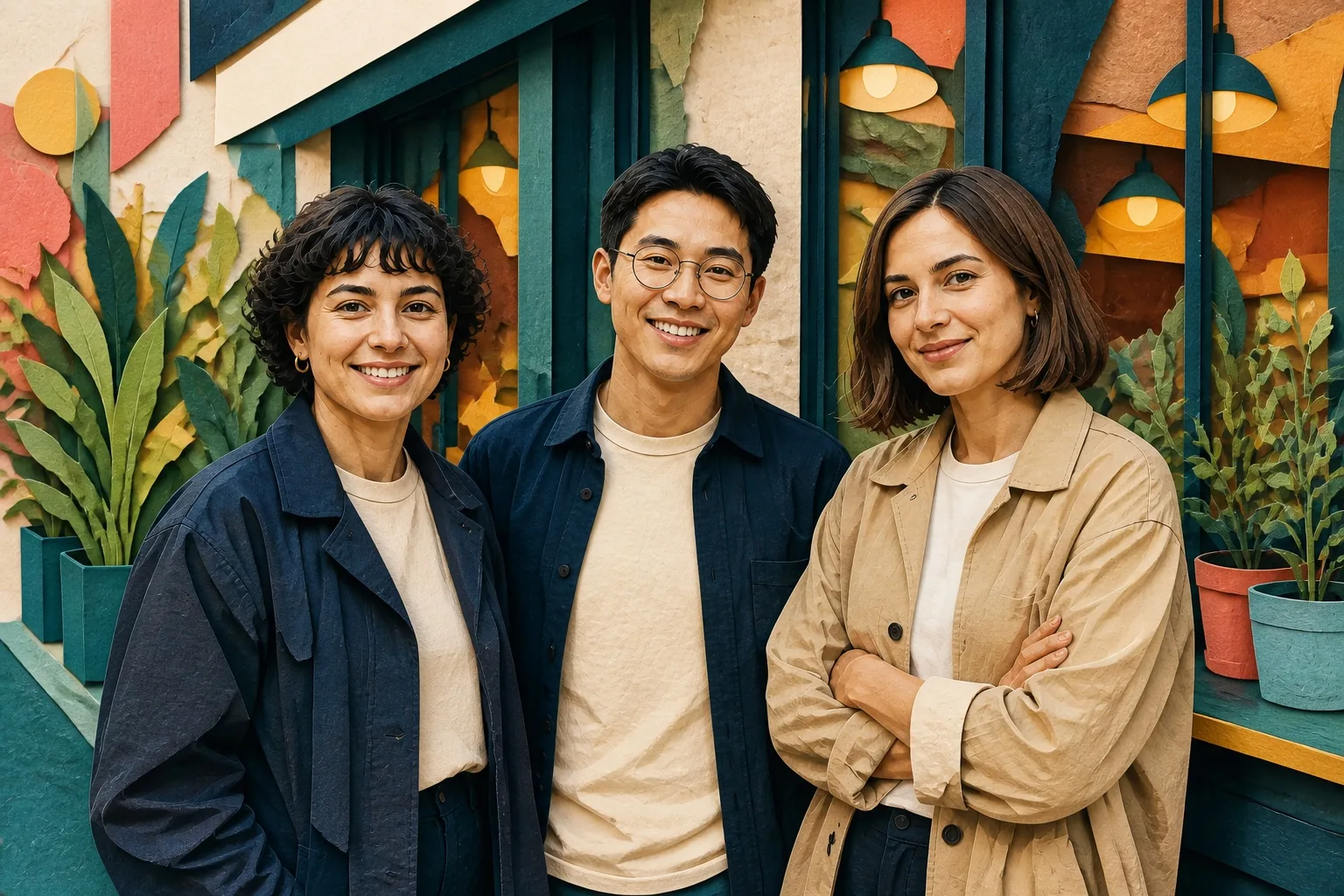
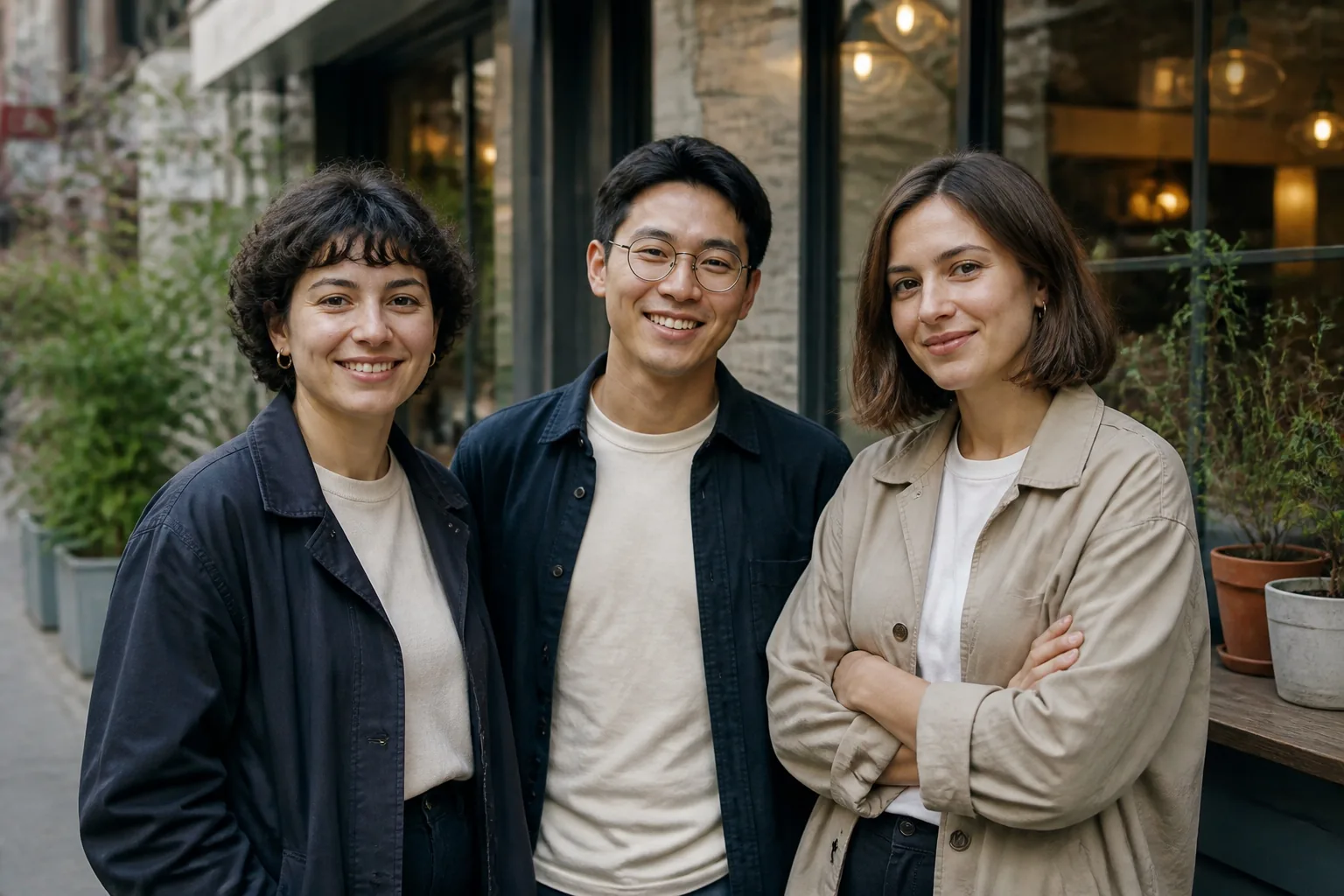
Group portrait: paper-cut editorial collage
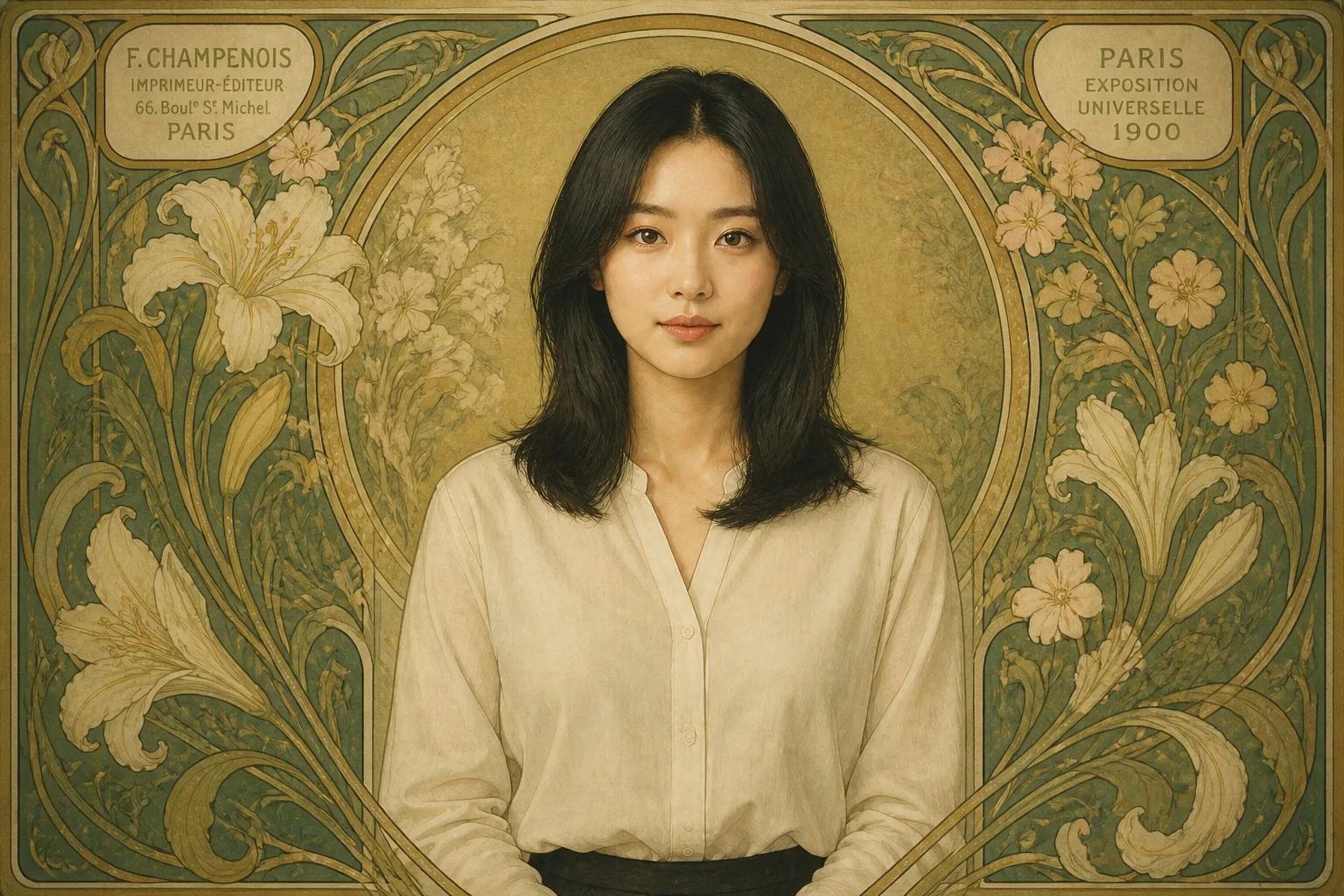
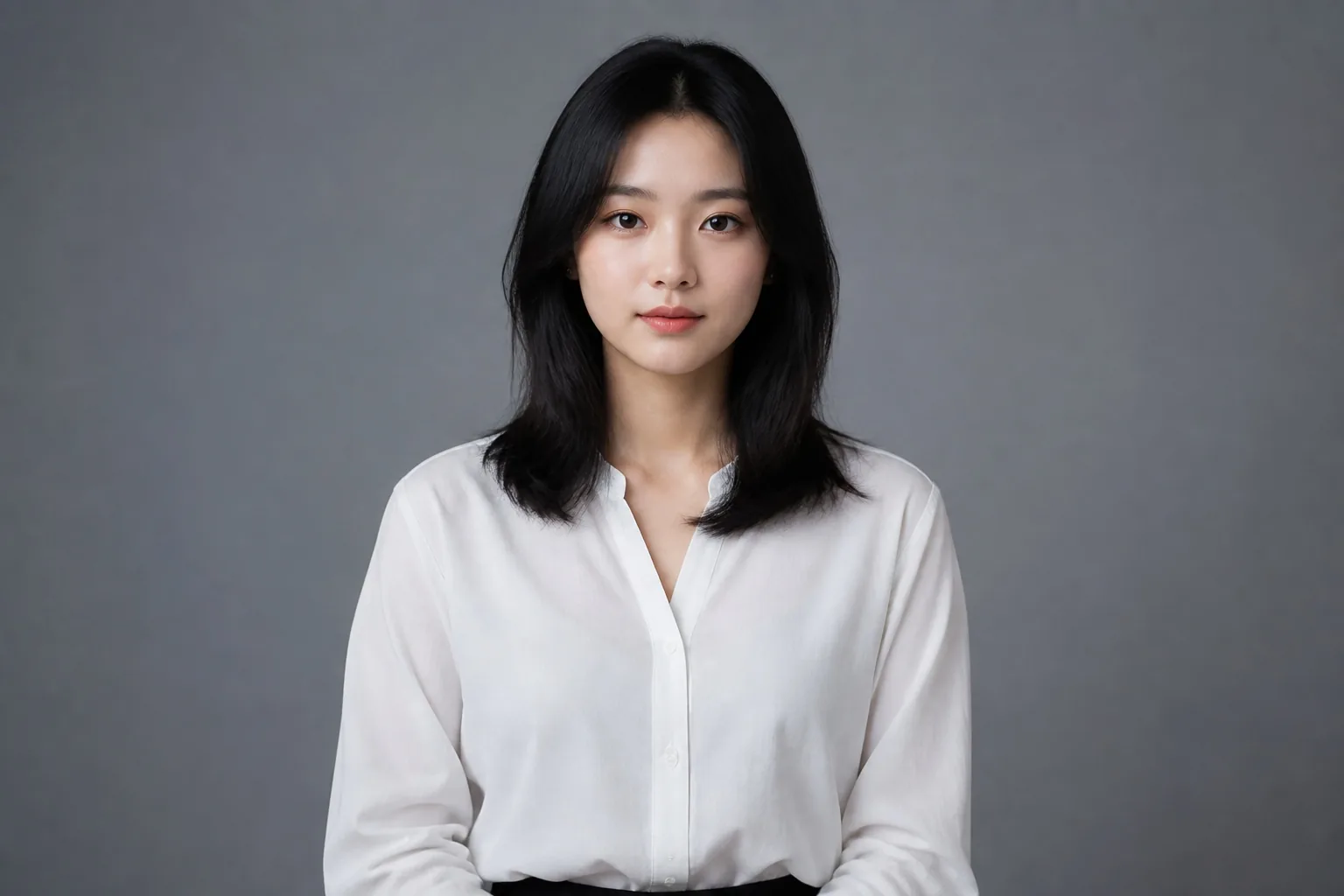
Portrait: Art Nouveau poster
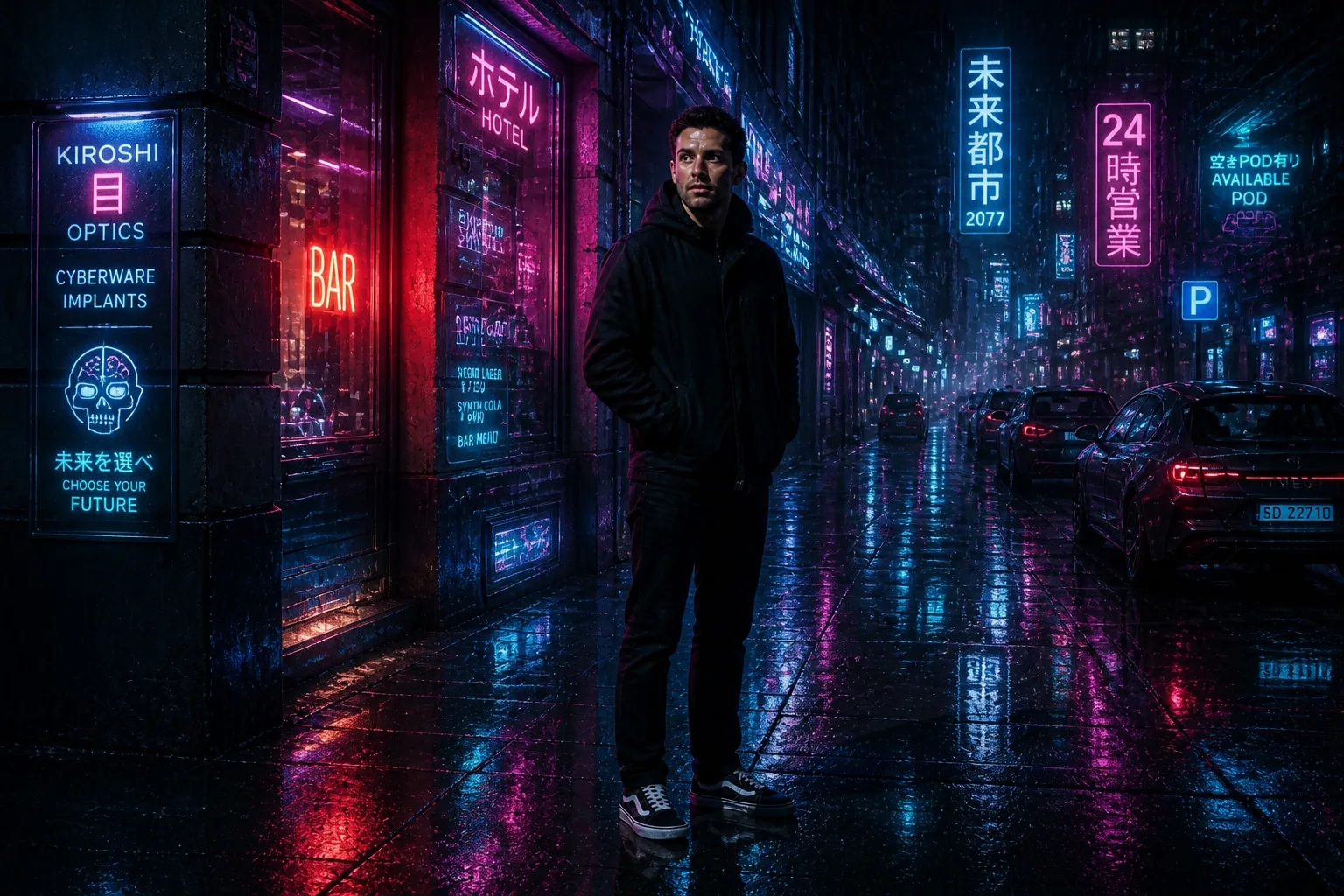
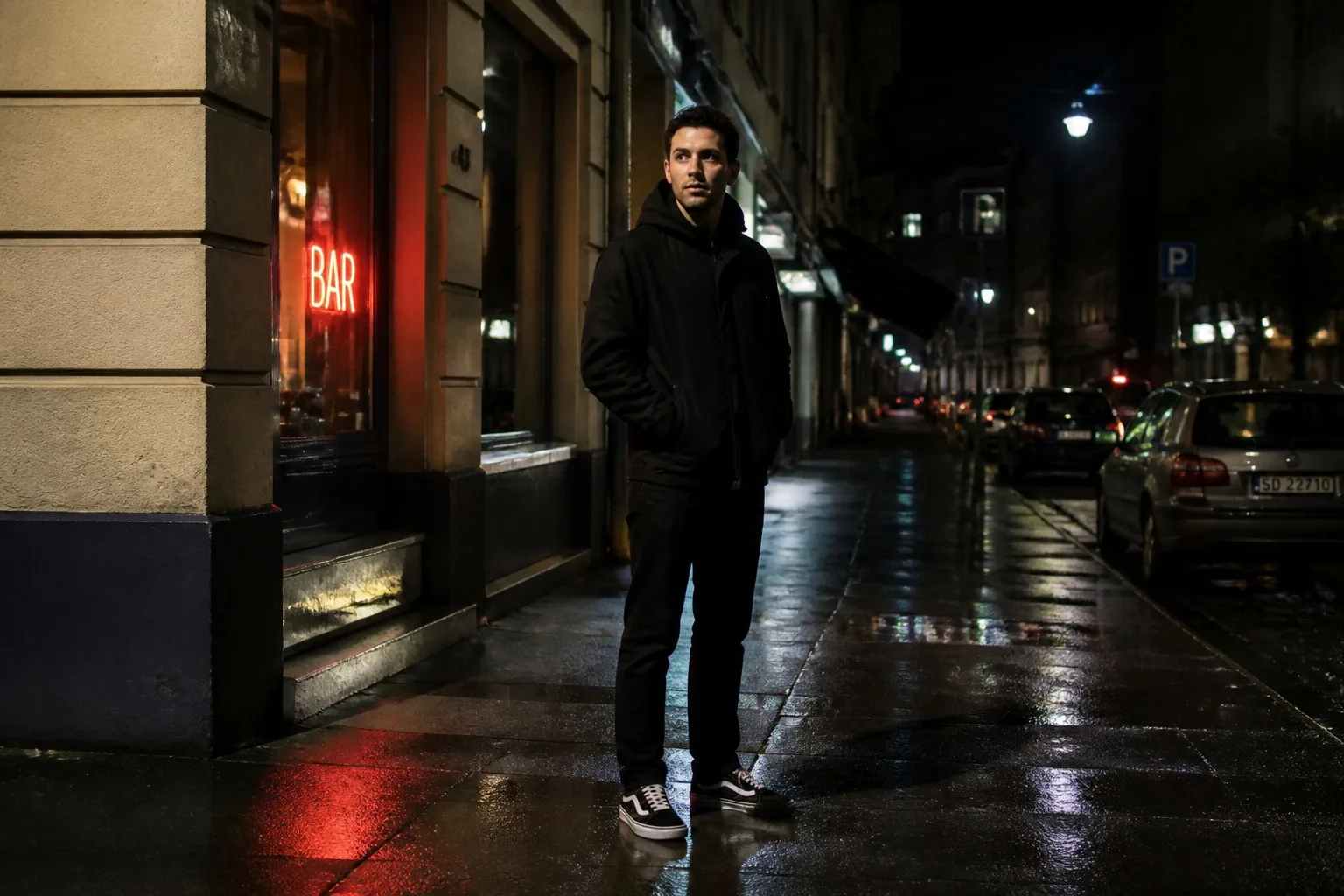
Night street: cyberpunk city
How to Transform a Photo Style in 3 Simple Steps
Upload a clear image, choose a style preset or describe the look you want, then generate a polished new version in seconds.
- 01
Upload a clear image
- 02
Choose a preset or describe the edit
- 03
Generate and save the result
6 Ways to Use AI Style Transfer
Turn familiar images into distinctive visual assets for personal expression, concepts, and campaigns.
- Social profiles — create recognizable avatars with a signature look.
- Campaign concepts — explore visual directions before a full production.
- Editorial art — turn portraits into poster, collage, or painted visuals.
- Personalized gifts — transform a favorite photo into a keepsake.
- Mood boards — test art directions for a product, brand, or event.
- Creative storytelling — reimagine scenes as anime, watercolor, or cyberpunk.
To complete a portrait makeover, pair your new look with Change Hair Color and preview a color that fits the style direction.
AI Style Transfer FAQ
Ready to Give Your Photo a New Style?
Upload an image and describe the aesthetic you want. No design software or credit card required to try it.
Start editingTry a related tool: Change Hair Color