

AI object remover · Free to try
Remove Unwanted Objects from Photos with AI — Free & Instant
Remove unwanted objects, people, text, wires, and clutter from photos with AI. Upload an image, describe what to erase, and get a natural-looking result in seconds.
See What Our AI Object Remover Can Clean Up
Compare real edits that remove distracting objects from product shots, travel portraits, and landscape photos while keeping the important people, scenery, and perspective intact.


Interior photo: remove the red armchair
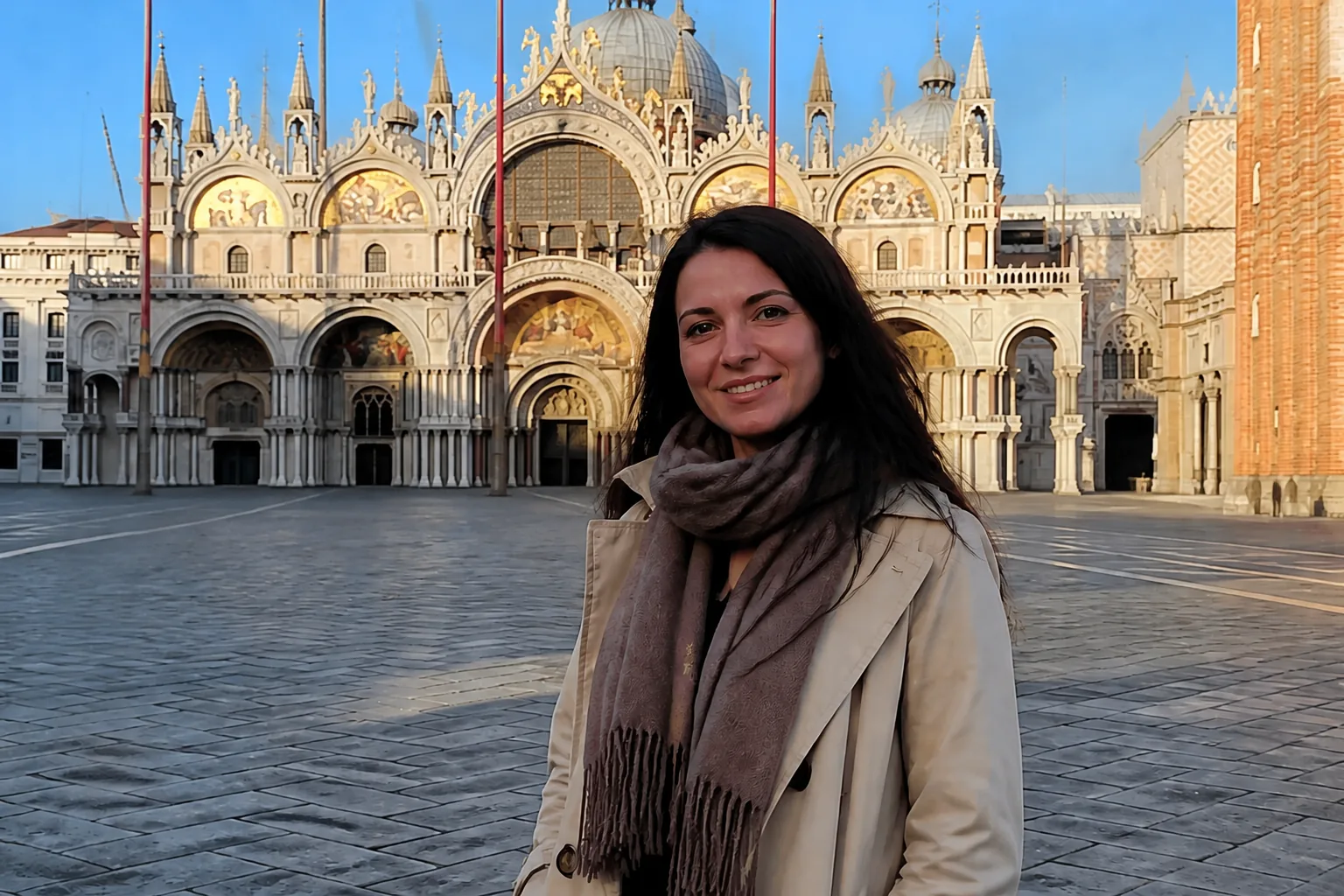
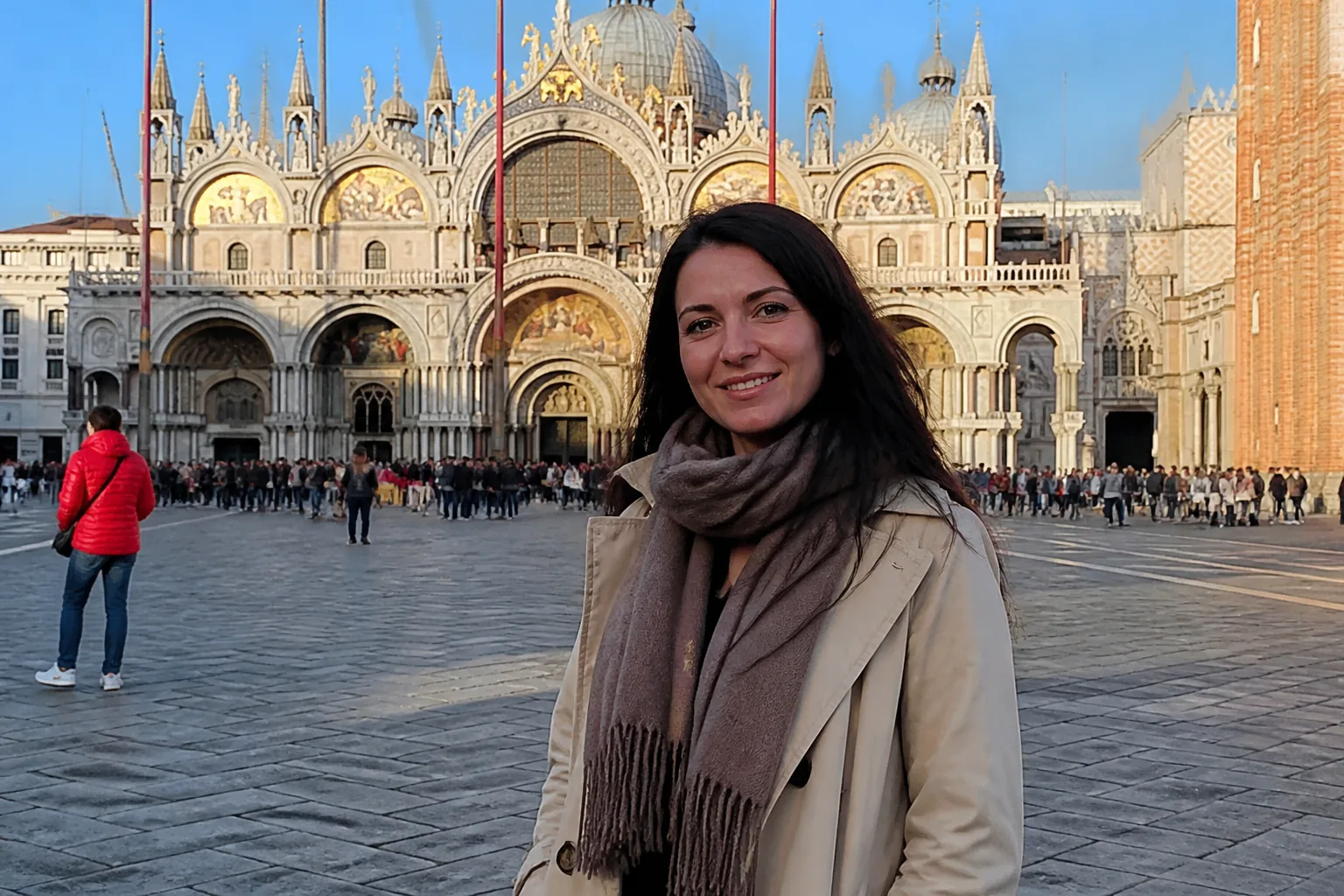
Travel portrait: remove a passerby
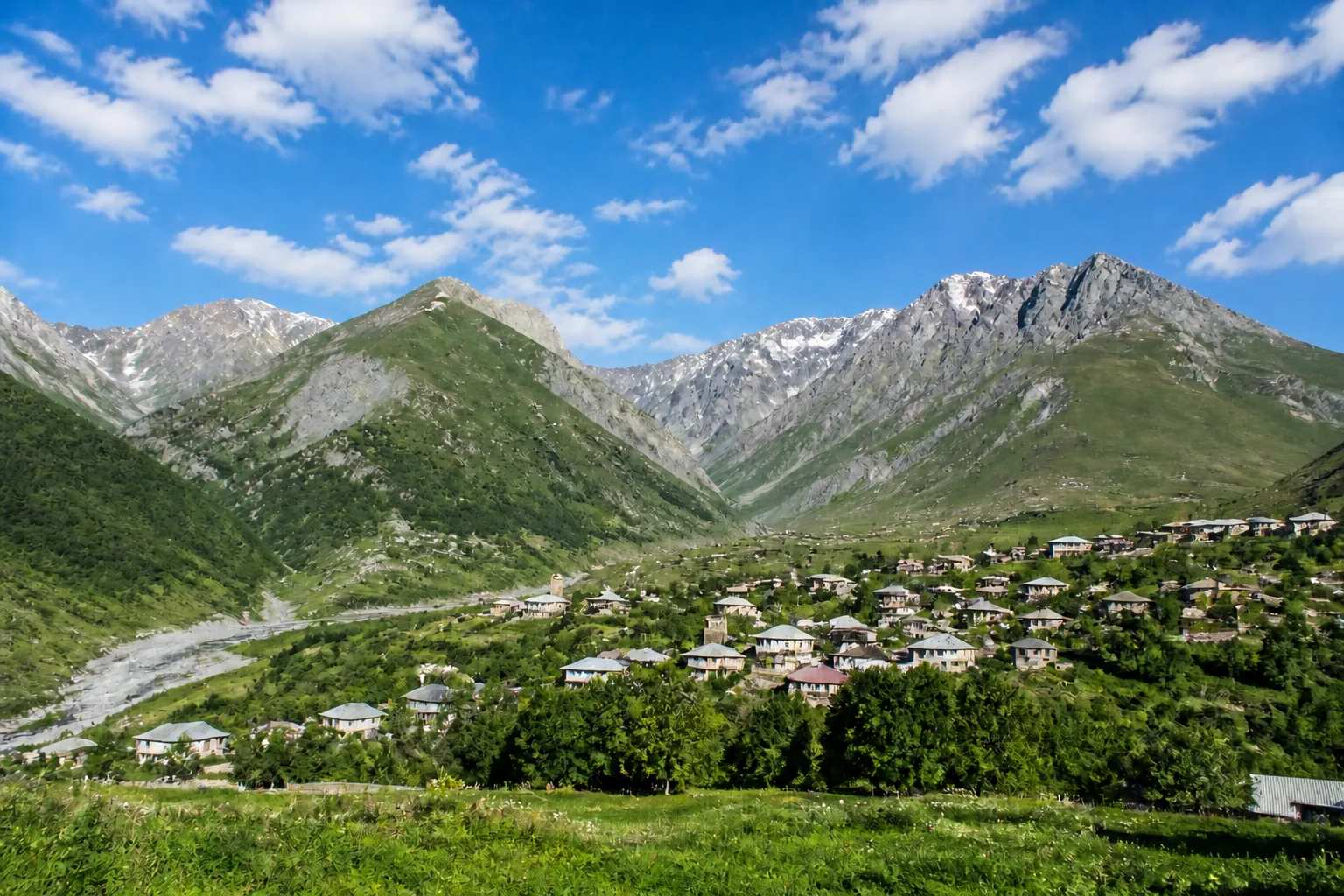
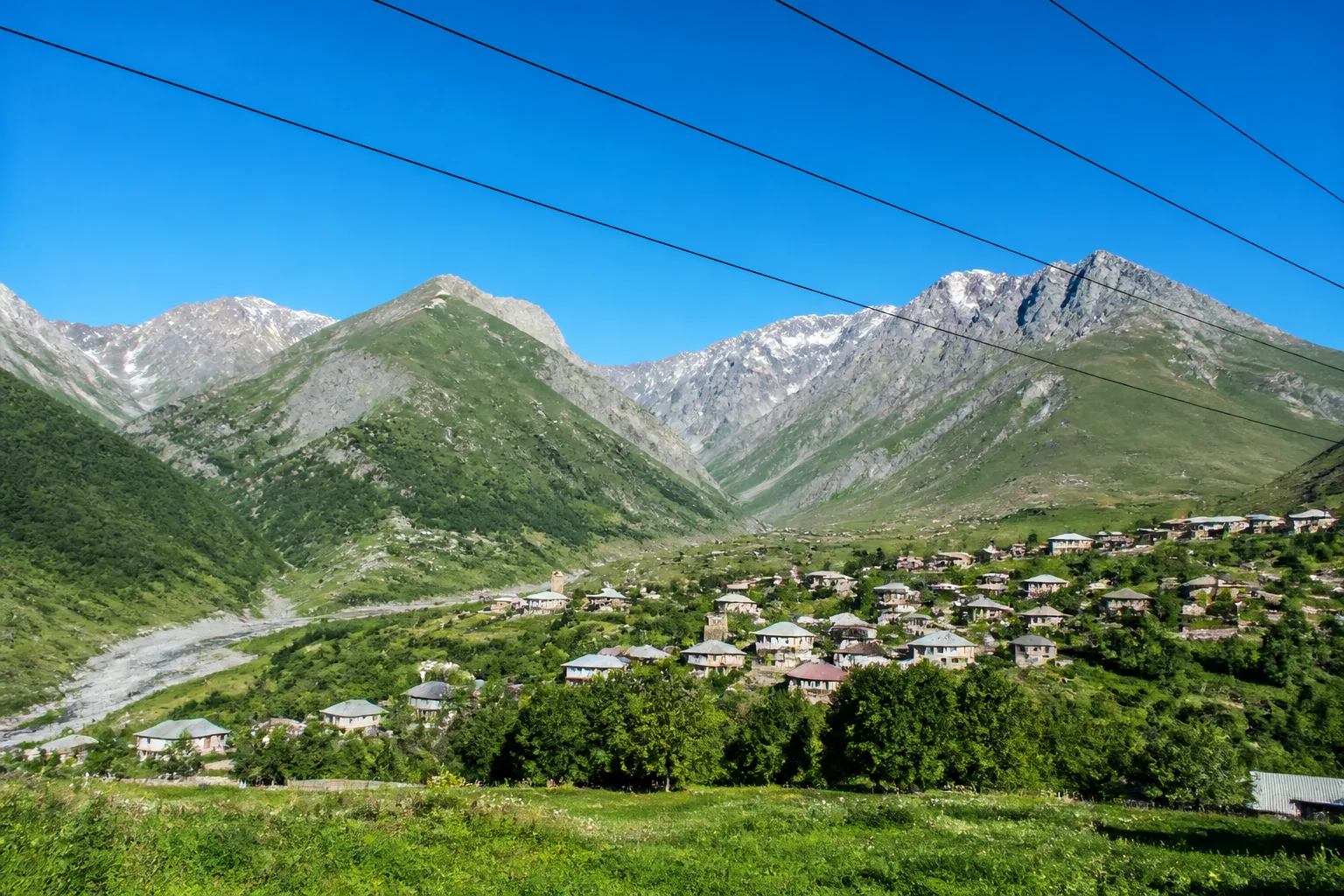
Landscape: erase overhead power lines
How to Remove an Object from a Photo in 3 Simple Steps
Upload a clear image, describe exactly what should disappear, and let the AI rebuild the surrounding area in seconds.
- 01
Upload a clear image
- 02
Choose a preset or describe the edit
- 03
Generate and save the result
6 Ways to Use an AI Object Remover
Remove unwanted details from images for personal, professional, and creative projects without manual retouching.
- Travel photos — remove tourists, signs, bins, and other distractions.
- Product photos — erase props, labels, reflections, and visual clutter.
- Real estate listings — clean up cables, vehicles, and temporary items.
- Portraits — remove passersby or small distractions behind the subject.
- Social content — polish an image before sharing it with your audience.
- Landscape photos — clear power lines and other elements from a view.
After cleaning up distractions, use Replace Background to create a different setting without changing the main subject.
AI Object Remover FAQ
Ready to Remove an Unwanted Object?
Upload a photo and describe what should disappear. No Photoshop skills or credit card required to try it.
Start editingTry a related tool: Replace Background