

Can AI Restore Old Photos? What It Can Repair and What It Cannot Verify
Learn what AI old photo restoration can help with, where it needs careful review, and how to keep a restoration honest.
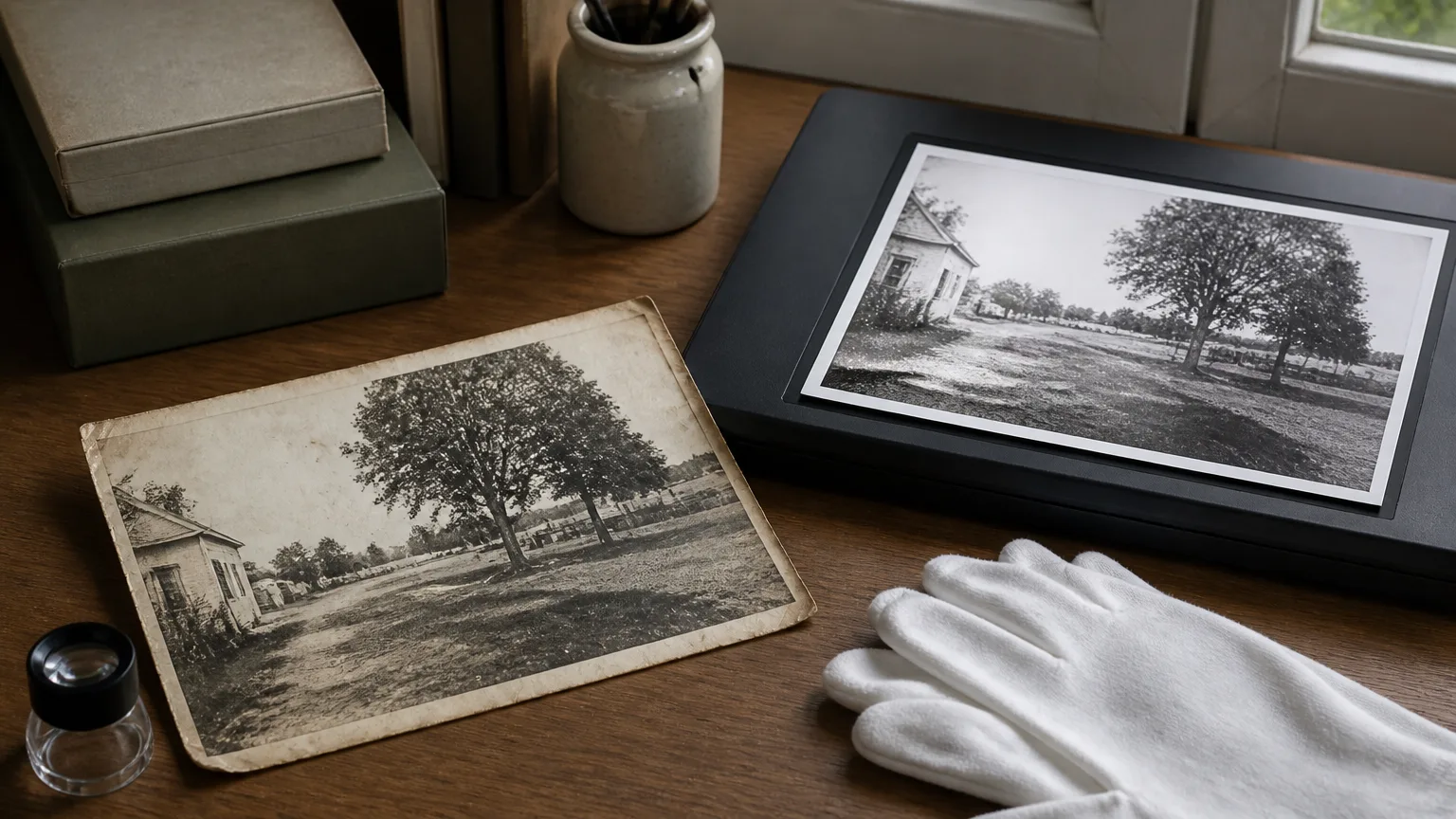
Yes, AI can restore old photos in a useful, limited sense: it can reduce visible scratches, dust, stains, fading, and low contrast so an image is easier to see. It cannot recover evidence that is no longer in the photograph. That distinction matters whenever the people, places, colours, or text in an image have personal or historical value.
The best approach is to use AI as a careful repair assistant. Keep the original scan, ask for one change at a time, and treat a generated reconstruction as an interpretation when detail was missing from the source.
What AI restoration is good at
AI photo restoration is most useful when the underlying image is still visible but surface damage gets in the way. Common examples include:
- dust spots and light scratches;
- mild stains and uneven paper tone;
- faded colour or low contrast;
- small creases in a background or along a border;
- soft detail caused by an ageing print or low-quality scan.
In these cases, the source gives the model enough context to reduce damage without needing to guess much. You still need to inspect the result, especially around faces, hands, signs, and patterned clothing.
What AI cannot prove
An AI tool cannot know what was hidden behind a tear, whether a faded dress was blue or green, or what a blurred sign originally said. It may create a visually coherent answer, but coherence is not verification.
Be particularly cautious when restoring:
- faces with missing eyes, mouths, or facial contours;
- handwriting, dates, military insignia, or legal documents;
- buildings or objects that need factual accuracy;
- black-and-white photographs you want to colourise;
- prints with large missing sections.
For these cases, retain the original scan and describe the output as an AI restoration rather than an exact recovery. If the image is part of an archive, include both versions when you share it.
A safer prompt for old photo restoration
A good restoration prompt says what to repair and what not to change. For example:
Repair scratches, dust, folds, stains, and faded contrast in this old photo. Preserve the faces, expressions, clothing, composition, and natural film grain. Restore colour only where it is visible in the source. Do not invent missing details or alter text.
This is more useful than asking for "HD enhancement." It gives the model a clear preservation boundary and gives you a clear checklist for review.
How to restore an old photo without losing the original
- Make a high-resolution scan or a well-lit phone photograph of the print.
- Save the untouched file before any edit.
- Upload a working copy to the AI old photo restoration tool.
- Start with the smallest visible repair: dust, scratches, or fading.
- Compare the output with the source and keep only changes you can justify.
Restore an old photo with ImageChanger ->
Should you colourise an old black-and-white photo?
Colourisation can be meaningful for a personal project, but it is necessarily interpretive unless you have reference material for the colours. Treat it as a creative version, not a historical correction. If authenticity matters, keep a black-and-white restoration as the primary version and store the colourised copy separately.
The same principle applies to sharpening. A small increase in clarity can make a face easier to recognise; excessive sharpening can create artificial edges and texture that were never present.
When a professional may be the better choice
Consider a professional conservator or archivist when the physical print is fragile, valuable, unique, or needed as evidence. They can advise on safe handling, scanning, and physical preservation. AI can still help you create a viewing copy, but it should not replace care for the original object.
For practical instructions on scans, prompts, and reviewing damage, see our guide to fixing old photos with AI. You can also start with the broader old photo restoration workflow.
Use AI to improve visibility, not rewrite history
AI can make a difficult image easier to enjoy and share. Its value comes from removing distractions while leaving the identity and character of the original intact. Work from a copy, make restrained changes, and keep the source close at hand when you decide which version to keep.